
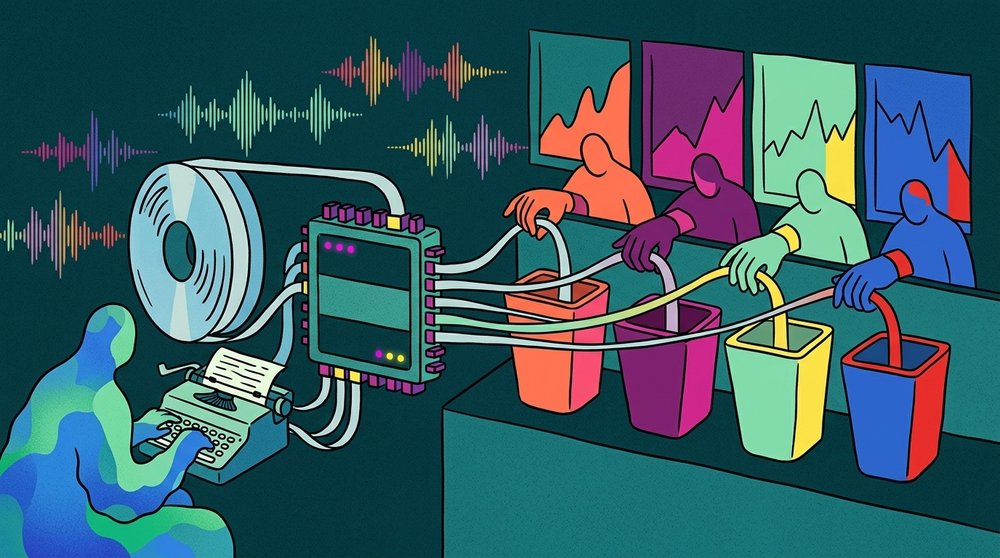
Descript for Audio Transcription: What It Does Well and Where It Falls Short
Descript audio transcription has become one of the more popular options for turning recordings into text. The tool promises fast, accurate transcripts with a built-in editor that lets you edit audio by editing the text. Sounds great on paper. But after spending real time with it, you start to notice where the trade-offs hide.
This article breaks down what Descript actually delivers for transcription, what it costs, and where it falls short. If you just need a transcript and not a full video editing suite, you have better options.
What Descript Gets Right
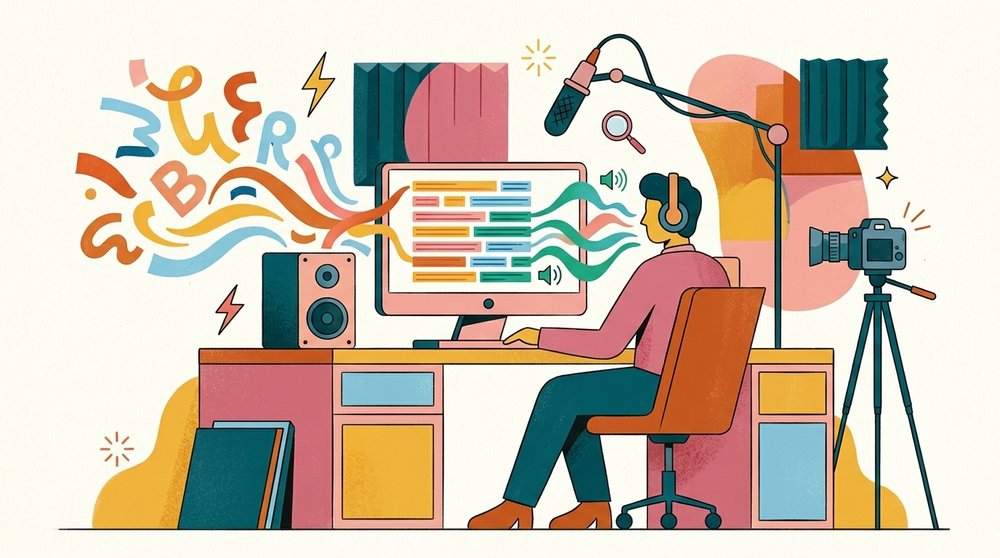
Descript's greatest advantage is the connection between text and audio. Once you upload a file, the transcript syncs word by word with the recording in real time. Click any word in the transcript and the playback jumps to that exact point. Delete a sentence from the text and it removes that audio segment too.
Accuracy Is Solid for Clear Audio
Descript achieves around 95% accuracy when transcribing single speaker, high quality recordings. That puts it in the same range as Otter.ai, Rev's automated tier, and other cloud transcription services. It handles common English well and picks up technical terms better than most free alternatives.
According to a 2024 study by Beckman Institute, automated speech recognition systems tend to achieve 80% to 95% accuracy depending on audio quality. Descript performs at the upper end of that range under ideal conditions.
Speaker Detection Works
Descript identifies speakers automatically. The labels start out generic (Speaker 1, Speaker 2) but you can rename them. For interviews and multi-person meetings, this saves real time compared to tools that dump everything into one block of text.
The Text-Based Editor Is Genuinely Useful
The text-based editing interface works well for podcast editors and content creators who cut clips from longer recordings. You highlight and delete filler words. You rearrange sections by moving paragraphs. The audio follows. For many content creators, this feature alone justifies the cost.
Where Descript Falls Short

The problems show up when you look at Descript purely as a transcription tool rather than a full production suite.
Everything Goes Through the Cloud
All files you upload get processed on Descript's servers. There is no local transcription option. For journalists working with sensitive sources, lawyers handling privileged conversations, or medical professionals dealing with patient recordings, this is a deal-breaker.
Descript's privacy policy states they process audio on their own infrastructure. Even if they do not sell your data, the recordings leave your machine. For organizations with compliance requirements like HIPAA or GDPR, cloud processing creates liabilities that local alternatives eliminate entirely.
Pricing Gets Expensive Fast
Descript offers a free tier with 1 hour of transcription per month. Plans start at $24 per month for the Hobbyist tier (10 hours) and go up to $33 per month for the Pro tier (30 hours). The Business plan runs $40 per user per month.
Compare that to a one-time purchase tool like Shmeetings that handles transcription locally with no monthly fees, and the cost adds up fast. If you transcribe 5 hours of meetings every week, you will burn through the Hobbyist tier in two weeks.
You Pay for Features You Do Not Need
Most people searching for "descript audio transcription" want a transcript. They do not need video editing, screen recording, AI voice cloning, or social media clip creation. But those features are baked into the pricing. You cannot buy just the transcription piece at a lower cost.
This bundling makes Descript a poor fit for anyone who needs transcription as a standalone function. You end up paying for a video editing suite when all you wanted was text from audio.
Accuracy Drops in Tough Conditions
When audio quality is low or multiple speakers talk over each other, Descript's accuracy drops noticeably. Background noise, heavy accents, and fast speech all hurt the results. These are the same conditions where cloud tools generally struggle compared to purpose-built local AI transcription engines that you can fine-tune.
Descript vs Local Transcription Tools

The core question is whether your audio needs to leave your computer at all. Cloud tools like Descript require an internet connection and send your files to remote servers. Local tools process everything on your machine.
When Cloud Transcription Makes Sense
Cloud transcription works fine when the recording contains nothing sensitive, you have reliable internet, and you want the editing features Descript bundles in. Podcast editors and YouTube creators fit this profile well.
When Local Is the Better Choice
Local transcription wins for meeting recordings, interviews with confidential content, legal depositions, medical notes, or any situation where privacy matters. Tools like Shmeetings run 100% offline on macOS, so the audio never leaves your device.
Local tools also work without internet. If you travel, work from spotty Wi-Fi, or just do not want to depend on a server being available, local transcription removes that variable.
A growing number of professionals are moving toward offline meeting note takers specifically because of these privacy and reliability advantages.
How Descript Compares to Other Tools
Here is how Descript stacks up against common alternatives for pure transcription:
| Feature | Descript | Otter.ai | Rev (Auto) | Shmeetings |
|---|---|---|---|---|
| Accuracy (clear audio) | ~95% | ~93% | ~94% | ~95% |
| Offline mode | No | No | No | Yes |
| Speaker labels | Yes | Yes | Yes | Yes |
| Free tier | 1 hr/month | 300 min/month | None | Unlimited (one-time purchase) |
| Starting price | $24/month | $16.99/month | $0.25/min | One-time purchase |
| Data privacy | Cloud only | Cloud only | Cloud only | 100% local |
| Audio editing | Yes | No | No | No |
For content creators who want transcription as part of a broader editing workflow, Descript is a strong choice. For everyone else, the monthly cost and cloud dependency create unnecessary friction.
If you are comparing meeting-focused tools specifically, the comparison pages on this site break down the differences in more detail.
Who Should Actually Use Descript

Descript is best suited for content creators who produce podcasts, videos, or social media clips and want transcription integrated into their editing process. If that describes you, Descript's text-based editing is hard to beat. The ability to edit audio by editing text saves hours compared to traditional waveform editing.
But if you fit any of these profiles, look elsewhere:
- You just need meeting transcripts. A dedicated meeting transcription tool will cost less and work better.
- You handle sensitive recordings. Cloud processing is a non-starter. Use a local tool.
- You transcribe high volumes. Monthly per-hour pricing adds up fast. One-time purchase tools save money long-term.
- You work offline regularly. Descript requires internet for transcription. Interview transcription in the field needs an offline solution.
Frequently Asked Questions
Is Descript transcription free?
Descript offers 1 hour of free transcription per month on its free plan. After that, you need a paid plan starting at $24 per month for 10 hours. There is no way to get unlimited free transcription from Descript.
How accurate is Descript's transcription?
Descript achieves around 95% accuracy with clear, single-speaker audio in English. Accuracy drops with background noise, heavy accents, or overlapping speakers. This is consistent with most cloud-based transcription tools.
Can Descript transcribe offline?
No. Descript requires an internet connection for all transcription. Files are uploaded to Descript's cloud servers for processing. If you need offline transcription, you will need a local transcription tool instead.
Does Descript work for meeting transcription?
Descript can transcribe meeting recordings, but it is not built specifically for meetings. It lacks calendar integration, auto-start recording, and real-time transcription during live calls. Purpose-built meeting tools like Shmeetings or Fireflies handle these workflows better.
Is Descript worth the price for transcription only?
For transcription only, Descript is overpriced. You pay for video editing, screen recording, and AI features you will not use. A dedicated transcription tool gives you the same or better accuracy at lower cost, especially tools with one-time pricing instead of monthly subscriptions.
What formats does Descript support for transcription?
Descript accepts most common audio and video formats including MP3, WAV, M4A, MP4, MOV, and more. You can upload files directly or record within the app. Maximum file size depends on your plan tier.