
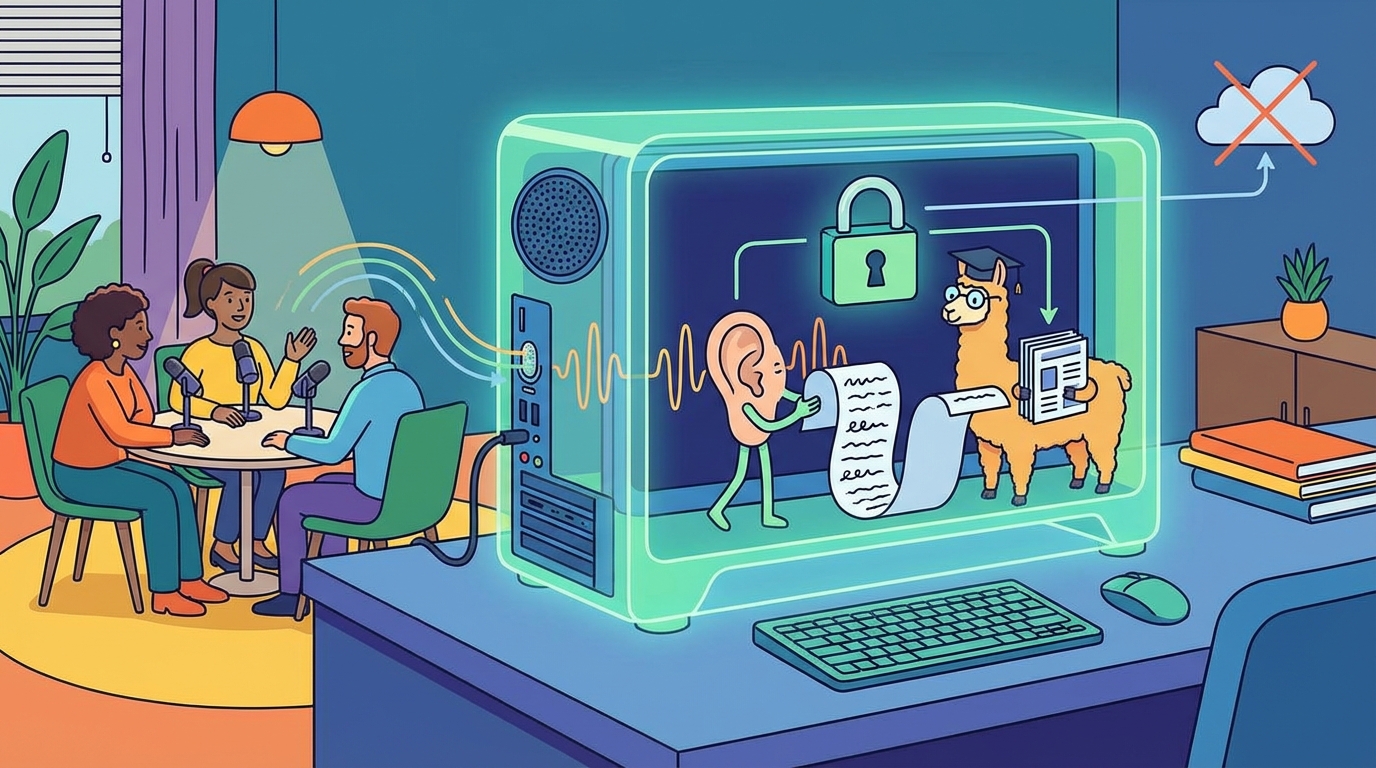
Local AI Transcription: Why Your Meeting Audio Should Never Leave Your Computer
Most people do not realize how their meeting audio is processed when they meet via video conferencing.
You go into a Zoom meeting. You let your AI Assistant record the call. A transcript shows up. Easy enough.
However, here's what really happens to that audio. The audio gets sent to a server farm somewhere. Another company stores and processes the conversation between you and another party. Your strategy meeting. Your performance review. Your call with your client regarding sensitive financial information.
It doesn't have to be that way. With local AI transcription and summaries, your conversations stay completely private.
What is Local AI Transcription?
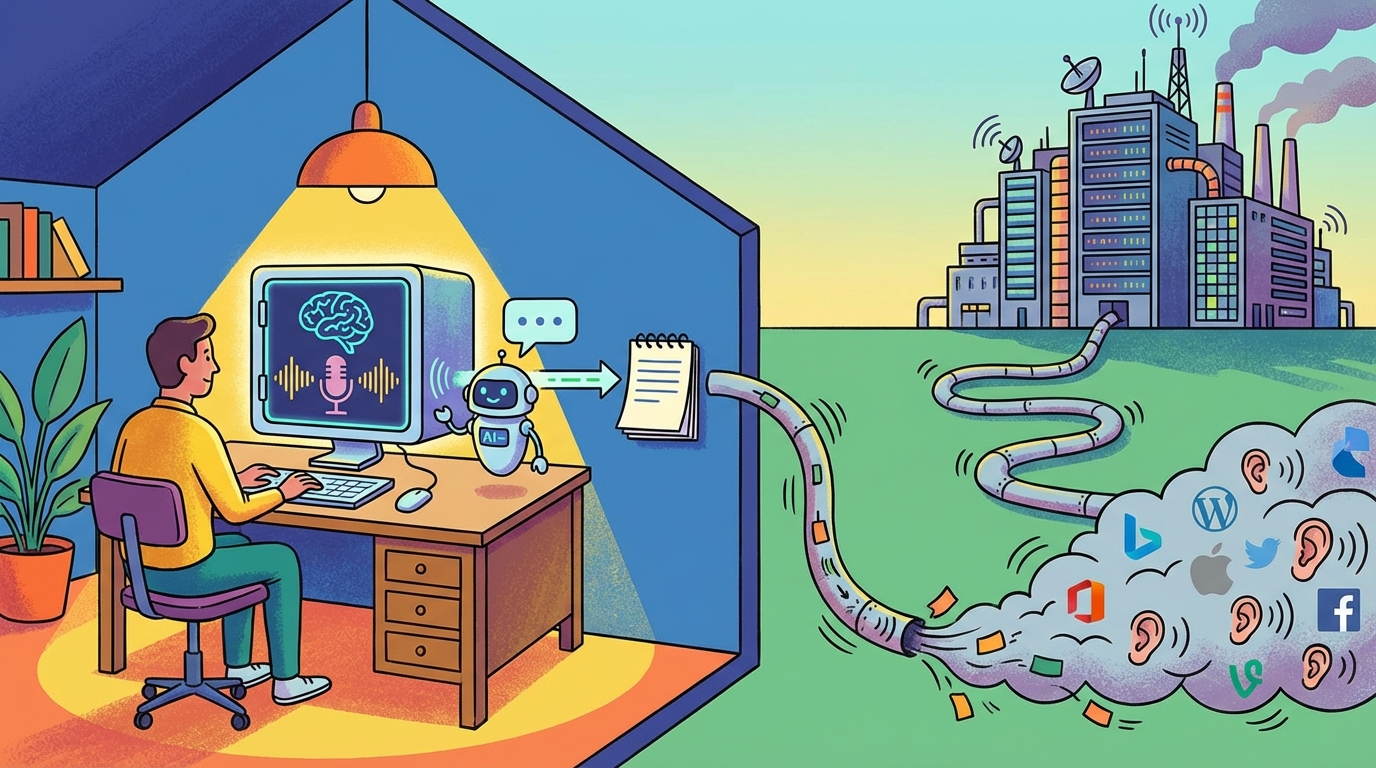
Local AI Transcription is done entirely on your computer. Not in the cloud. Not on a third party server. On your hardware.
Otter.ai and Fireflies are powered by the same technology: Open AI's Whisper transcription model. Now you can run that same technology on your computer. OpenAI released the Whisper Model to the public in 2022. So with the right software, you can use Whisper locally on your computer.
Rather than upload audio, wait for servers, and download the results, everything happens on your machine. Your audio remains local. Your transcript remains local. Nothing leaves your device.
Why Privacy Matters
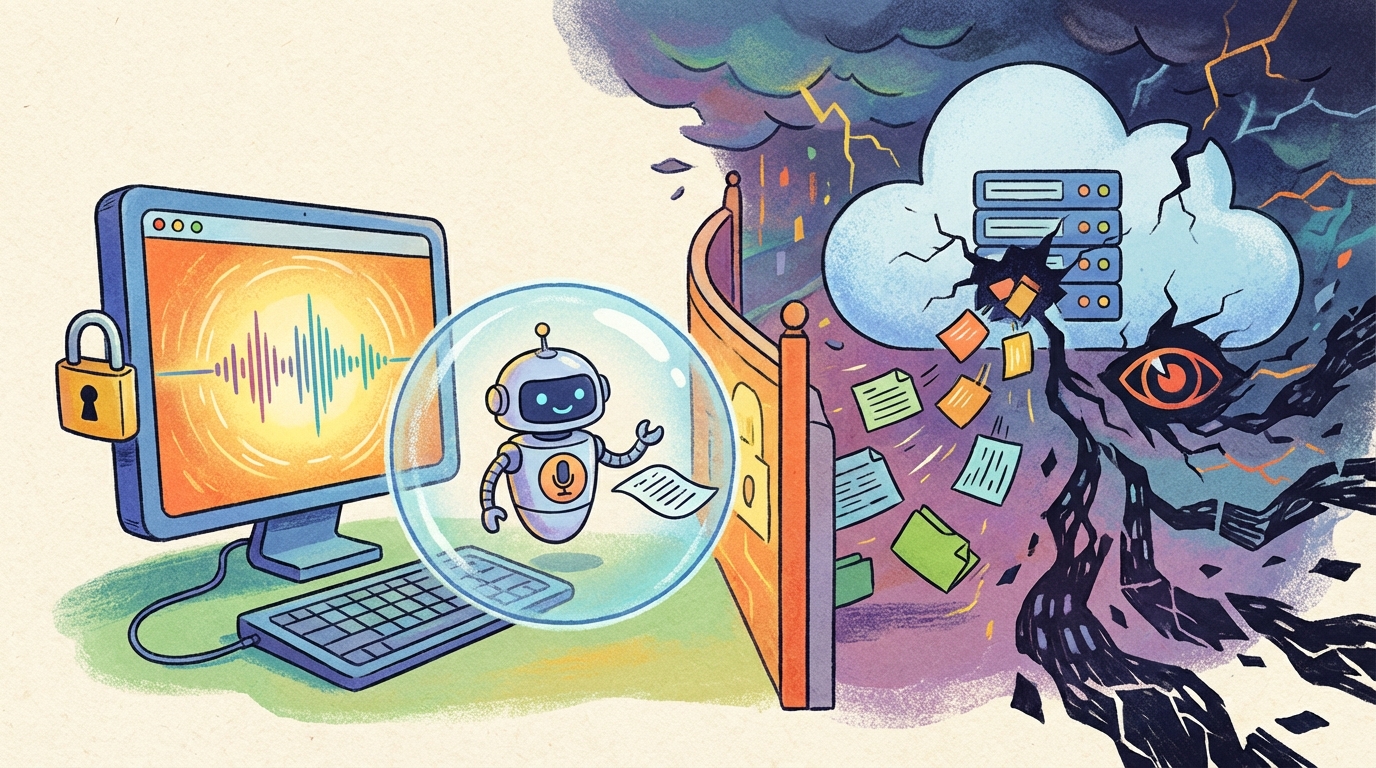
"Privacy" can seem abstract until you consider the data.
According to Stanford's 2025 AI Index Report there were 56% more AI-related incidents last year. That is 233 reported data breaches & system failures in one year alone.
IBM found that 97% of the companies reporting an AI-related breach did not properly control access.
Transcripts of meetings contain sensitive information. Names of clients. Figures of revenue. Road maps of products. Honest feedback of employees. Intelligence related to competitors.
Most cloud services store this type of data. Some cloud services use this type of data to train their models. Employees of these cloud services can access the data for quality assurance. The fine print reveals more than most people realize.
The Honest Trade offs
Local transcription isn't perfect. There are real limitations worth understanding.
No Speaker ID
The biggest drawback of using local transcription is that it does not provide speaker identification. Cloud tools such as Gong and Fathom are connected to your meeting app (like Teams, Zoom). These tools track who is speaking and label each sentence accordingly.
Local transcription can't do that. Shmeetings captures raw audio through your microphone or your system audio. It does not know who is talking. You get a aontinuous transcript without labels of speakers.
For internal team meetings where the voices are familiar, this is acceptable. But for sales calls with individuals from a potential client company, this is less than ideal.
But if the ultimate goal is for an AI summary of a meeting, then speaker IDs are not essential. The summary will provide you a list of discussion topics and to-do items, no matter who said what.
The flip side of No Meeting Bot
These cloud services that identify speakers must be connected to your meeting. Everyone sees notifications indicating that “Fireflies.ai Notetaker has joined the meeting.”
Everyone knows they’re being recorded and therefore will be more careful about what they say.
Local transcription is invisible. No bot joins the participant list. You still need to ensure that everyone accepts that you're recording a transcription. But you aren't constantly reminded of the bot.
You lose the labels of speakers, but you gain something else: conversations where people speak freely.
Speed of Processing
Your laptop is not a data center. Cloud services provide instantaneous responses for transcription due to the use of massive GPU clusters. Local processing requires more time. A 1 hour meeting may require 2-3 minutes to transcribe and summarize.
But unless you need to evaluate the notes instantly, the time required for processing should not present a problem for most users.
How Local Transcription Works
The technology is straight forward.
Whisper handles Speech-to-Text conversion. This is the same model OpenAI developed. It operates on any modern computer.
Llama is the LLM (large language model) that handles the meeting summary. LLama is the powerful LLM that Meta spent millions to build. Now you can run it on your local machine.
When you capture a meeting, your machine performs the processing in chunks of audio in real time. Once the meeting concludes, the AI will generate a summary based on the prompts you provided.
All local. Even if you turn off your internet connection, the transcription and summarization will continue to function.
Setup
Setting up is easier than you may think.
Shmeetings will handle the technical requirements automatically. Download the software and the AI models will be downloaded to your machine. Approximately 4 GB total. Depending on your internet speed, this may take some time. However, it only occurs once.
Once you finish installing, simply select the record button and you’ll be ready to go.
If you want to use different Whisper models, there is a dropdown in Shmeetings to download and select them. You can pick from a list of Whisper models for both English and multilingual support.
And if you're an advanced user who wants to play with different AI summary models, there is support for that too.
Shmeetings works on both Mac (Apple Silicon and Intel) and Windows.
Who Benefits Most
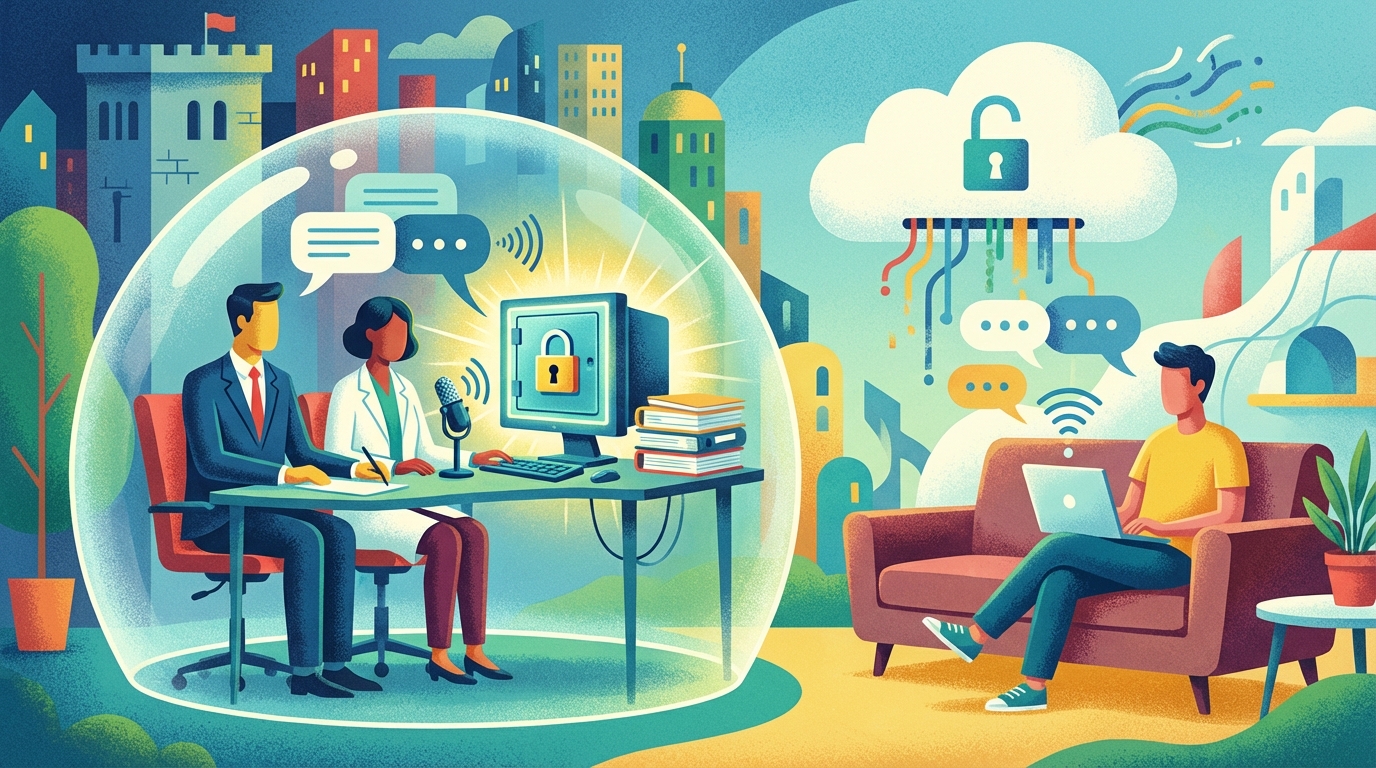
Not everyone will benefit from local transcription. Casual note taking on non-sensitive calls will likely be adequately served by cloud-based solutions.
However, local transcription is a good fit for professionals who frequently discuss sensitive topics and need to maintain confidentiality. Examples of such professionals include lawyers, consultants, medical practitioners, financial planners, etc. When clients entrust you with confidential information, having to upload that information to a third party server to facilitate transcription is difficult to justify.
Additionally, businesses that have restricted their employees from using cloud-based AI tools will also appreciate the ability to process local transcription. According to various surveys, a large number of organizations are now restricting their employees from using AI-based tools including chatbots and cloud-based transcription services.
A survey conducted recently indicated that 69% of organizations believe that Generative AI presents a security risk. Processing local transcription is compliant with these restrictions.
Finally, businesses competing with each other will also appreciate the benefits of local transcription. Business plans. Discussions regarding pricing. Conversations regarding mergers and acquisitions. Some business information should not reside on an outside platform.
Cost Comparison
Most cloud transcription services charge a fee each month. Otter.ai charges between $20-30 per month per user. Fireflies is similar. Enterprise solutions like Gong cost much more.
That is $240-360 per year, per user.
Shmeetings costs $39. Once. No subscriptions.
Over a period of 3 years: $720-$1080 for cloud services vs. $39 for local.
Advantages of Customization with Sensitive Context
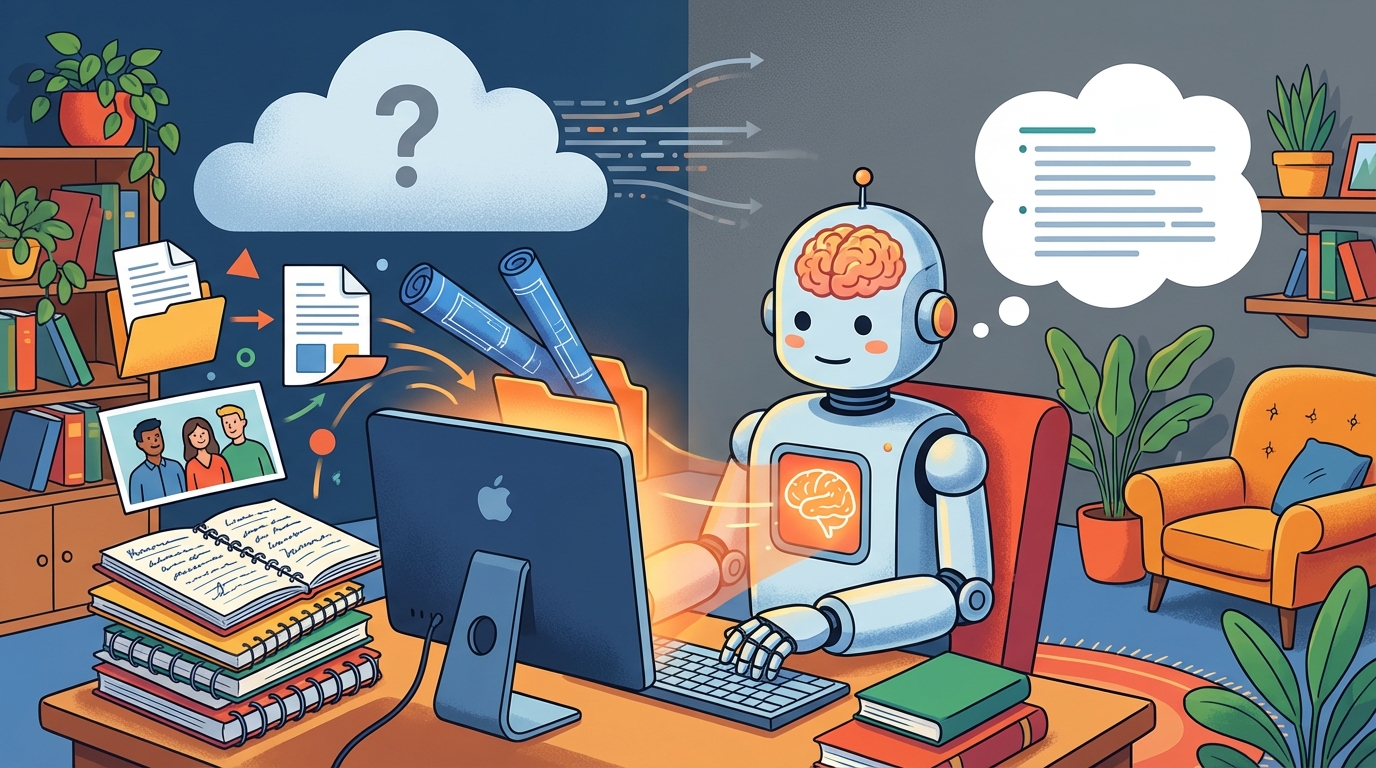
One of the benefits of local processing is that it allows you to implement deeper customization with sensitive context, unlike cloud-based services.
You can feed the AI company-relevant documents, project briefs, or prior meeting notes. The AI can then utilize that context to develop better summaries.
Cloud services cannot accomplish this without you uploading sensitive files to their servers. With local processing, those files will never leave your computer.
You can also customize the summary prompts to meet your workflow:
“Highlight the action items for the engineering team.” “Capture pricing discussions and objections.” "Generate an Executive Briefing Summary."
As detailed as needed, while maintaining complete confidentiality.
Frequently Asked Questions
Will it work without internet?
Yes. Following the initial model download, all functions will operate without connecting to the internet.
The only exception is if you use the 'Auto Email' feature to email yourself the transcript and summary.
Is the Accuracy Comparable to Cloud Services?
Yes. Both types of services utilize similar AI models. Quality of the audio input will have a greater impact on the accuracy of the transcription than whether the AI is operating in the cloud or locally.
Can I get speaker identification?
Unfortunately, local transcription cannot identify the speakers. You will receive a full transcript of the meeting without speaker labels. While suitable for some meetings, this is a legitimate drawback for other meetings.
How Long Will it Take to Process a Summary?
A typical one hour meeting will take 1-3 minutes on a current Mac or Windows PC. Older computers will take longer.
The meeting transcript is displayed live in 5-6 second chunks.
What Type of Mic Works Best?
Any type of microphone will work. Laptop built-in microphone, USB microphone, headset. Better audio input will produce better transcripts. However, no special equipment is required.
If you use System Audio, then Shmeetings will capture your colleagues via internal audio. But you'll still need a mic to capture your own voice.
The Primary Trade Off
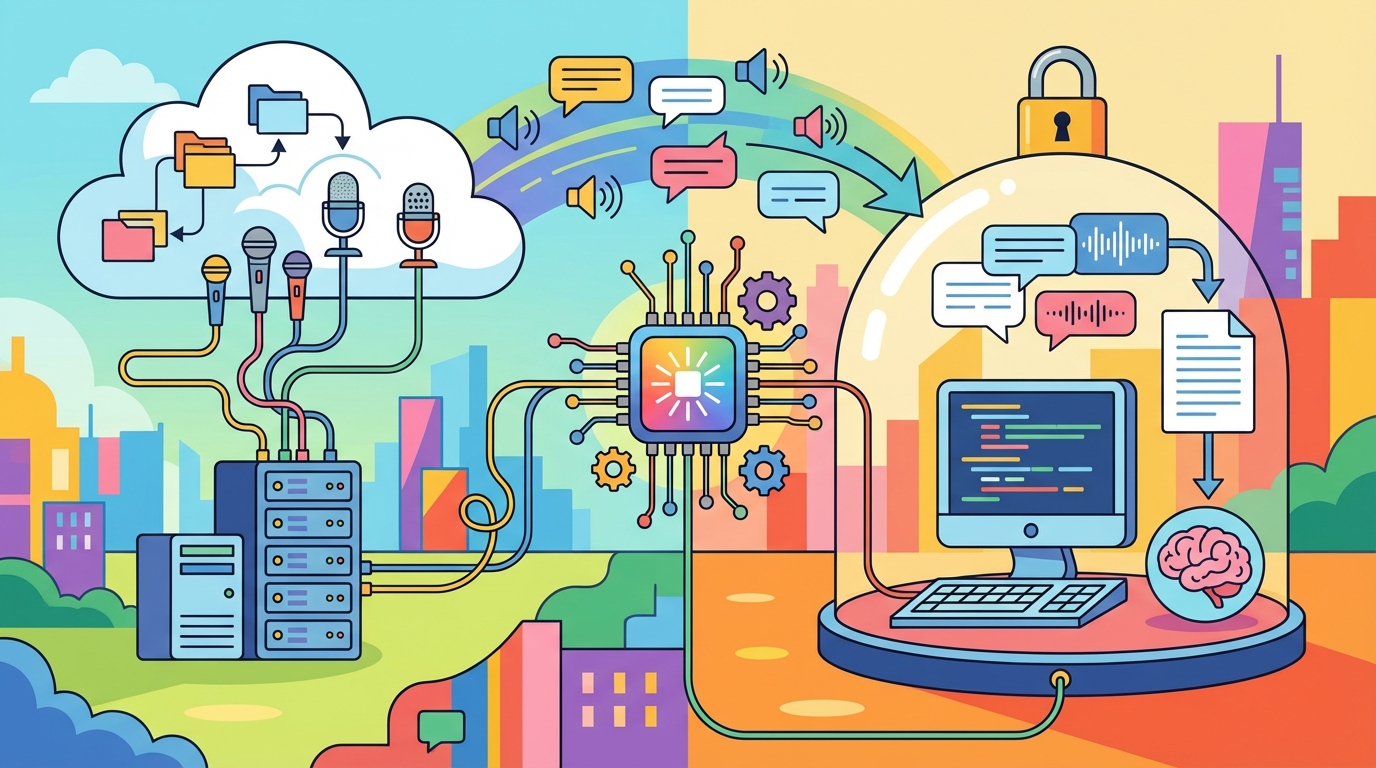
Cloud transcription provides ease of use and speaker identification. Local transcription provides privacy and control.
Both services use identical AI technology. Both provide high-quality transcripts. The difference is where your data resides and who has access to it.
If you have discussions in your meetings containing confidential information, local AI transcription eliminates this exposure. Your audio never leaves your machine. Your transcripts remain private. No third parties are involved.
Download Shmeetings and keep your meeting audio exactly where it belongs.