

The Offline Meeting Note Taker: Stop Sending Your Conversations to the Cloud
Consider a typical day at work; you have a client call to discuss your client's financials, employee issues, and business strategy. While in the middle of this call, a pop-up message will come on screen and say "Otter.ai is recording this meeting."
No one on the call has given permission for this to happen, and no one has authorized this to occur. However, someone was using their AI assistant while on the call and it started recording the entire meeting.
Now, that conversation exists on a third party server. It is happening all the time and, to be honest, most people do not even give it a second thought.
Why Have Cloud Meeting Notes Become So Popular?
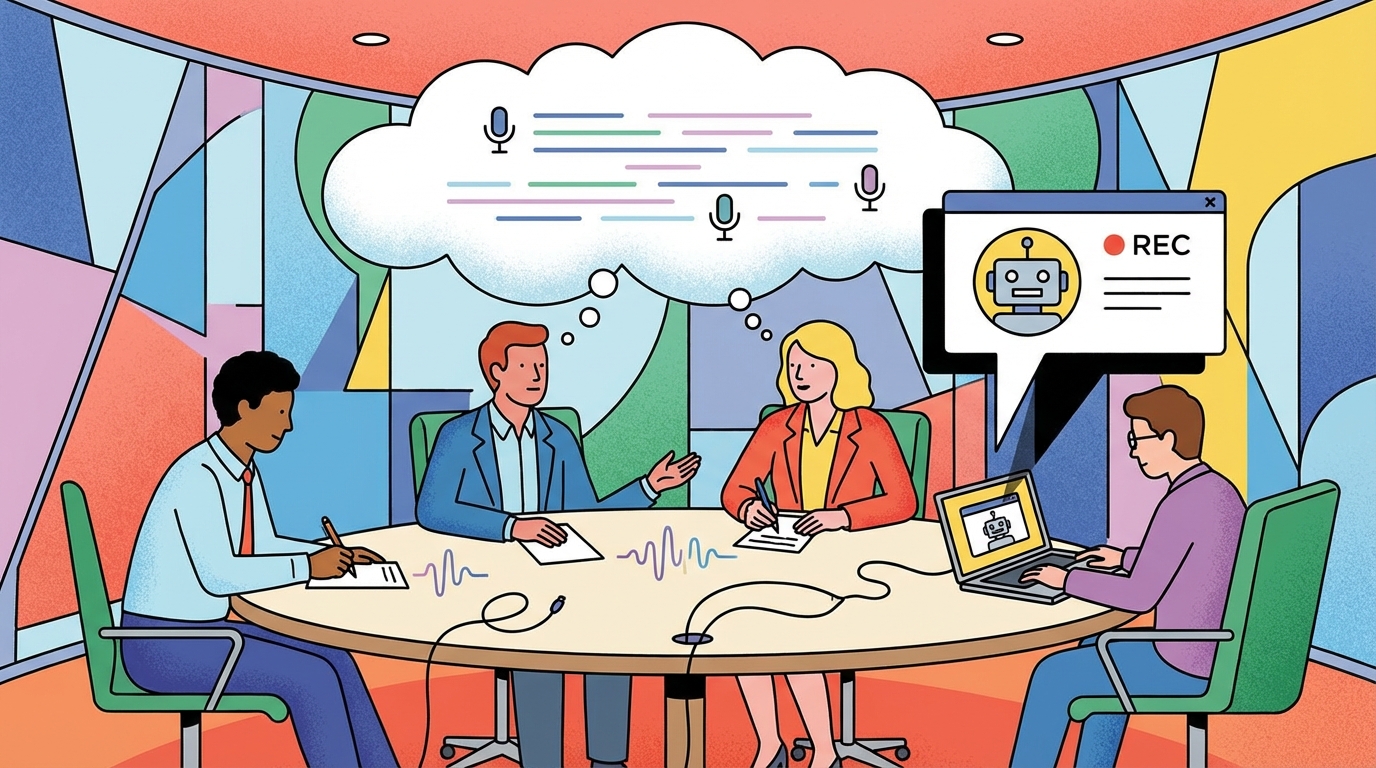
There are many reasons why we now see cloud meeting notes so frequently.
First, taking notes in a meeting splits your focus. Either you are actively listening and participating in the conversation or you are trying to document the entire conversation. In almost every case, you cannot be successful in doing both.
However, AI can solve this problem. Fireflies is integrated into Zoom. Otter.ai is integrated into Teams. Fathom integrates into Google Meet. All of these platforms will record the entire conversation, provide a written transcript of the entire conversation, and send you a summarized version of the conversation.
The advantages of this option are numerous. First, the convenience is very real. You do not have to spend hours writing down every single word that is spoken in the meeting. Second, the technology is very advanced. It can quickly identify who is speaking and highlight their comments in the transcript. Third, it can summarize the entire conversation into a few short paragraphs.
However, there are disadvantages to relying on cloud based meeting note systems.
- First, all of that audio has to travel to some type of external server. Therefore, your conversation is being held on some type of infrastructure that you have no control over.
- Second, depending on how the system is designed, your employees may be able to access your conversation for purposes of quality assurance.
- Third, your data is subject to the terms and conditions of the provider of the system, and it may be used to train their AI models.
- Fourth, the number of data breaches occurring today is staggering.
When you use cloud based software, your meeting notes are a significant contributor to your organization's risk profile.
What Makes an Offline Meeting Note Taker Different

The main differences between an offline meeting note taker and a cloud-based meeting note taker are the source of the audio and the destination of the audio.
In a cloud-based meeting note taker, the audio is sent to an external server. The AI then processes the audio and provides a transcript and/or summary. These cloud-based solutions require an account to be created to store the recordings and provide the meeting notes.
On the other hand, an offline meeting note taker sends the audio from your microphone to the AI on your local device. It then processes the audio and provides a transcript and/or summary. So there is no need for a cloud-based account.
The Real Trade-offs
There are several trade-offs associated with choosing an offline meeting note taker versus a cloud-based meeting note taker. The primary advantage of a cloud-based meeting note taker is the ability to identify the speaker of each comment.
So if you are conducting sales calls, interviews, or any other type of meeting where it is important to track which person made which statement, a cloud-based meeting note taker is likely your best choice.
This is the primary disadvantage of an offline meeting note taker. It cannot identify the speaker of each comment. It simply transcribes raw audio it hears either from your meeting or from your microphone.
However, most people are really only looking for the meeting summary, and the transcription is just a way to get there. So if you don't need to review the transcription for who said what, if you're only interested in an AI-generated meeting summary, then a local meeting note taker can do that well.
Another major trade-off is the lack of a meeting bot. Those cloud-based meeting note takers that can identify speakers of each comment often times join your meeting as a participant. So you will receive a notification stating that "Fireflies Notetaker has joined the call."
Many people are uncomfortable with an AI bot, especially when they are discussing sensitive topics. As a result, they tend to be much more guarded in their conversations and therefore, less productive.
Conversely, an offline meeting note taker is completely invisible. It does not join the meeting as a participant and it does not notify anyone that it is recording the meeting. So the conversations you have using an offline meeting note taker are typically much more candid.
You still need to notify people that you're using an offline note taker to transcribe the meeting. But the bot isn't sitting there reminding everyone they are being recorded.
Finally, processing time is a consideration. Because your laptop is not a data center, the time it takes to process a large amount of audio into a summary is typically longer than a cloud-based solution. It can take several minutes, depending on your machine. So if you are looking for instant summaries after a meeting, a cloud-based solution is likely your best choice.
Who Should Consider This Option?
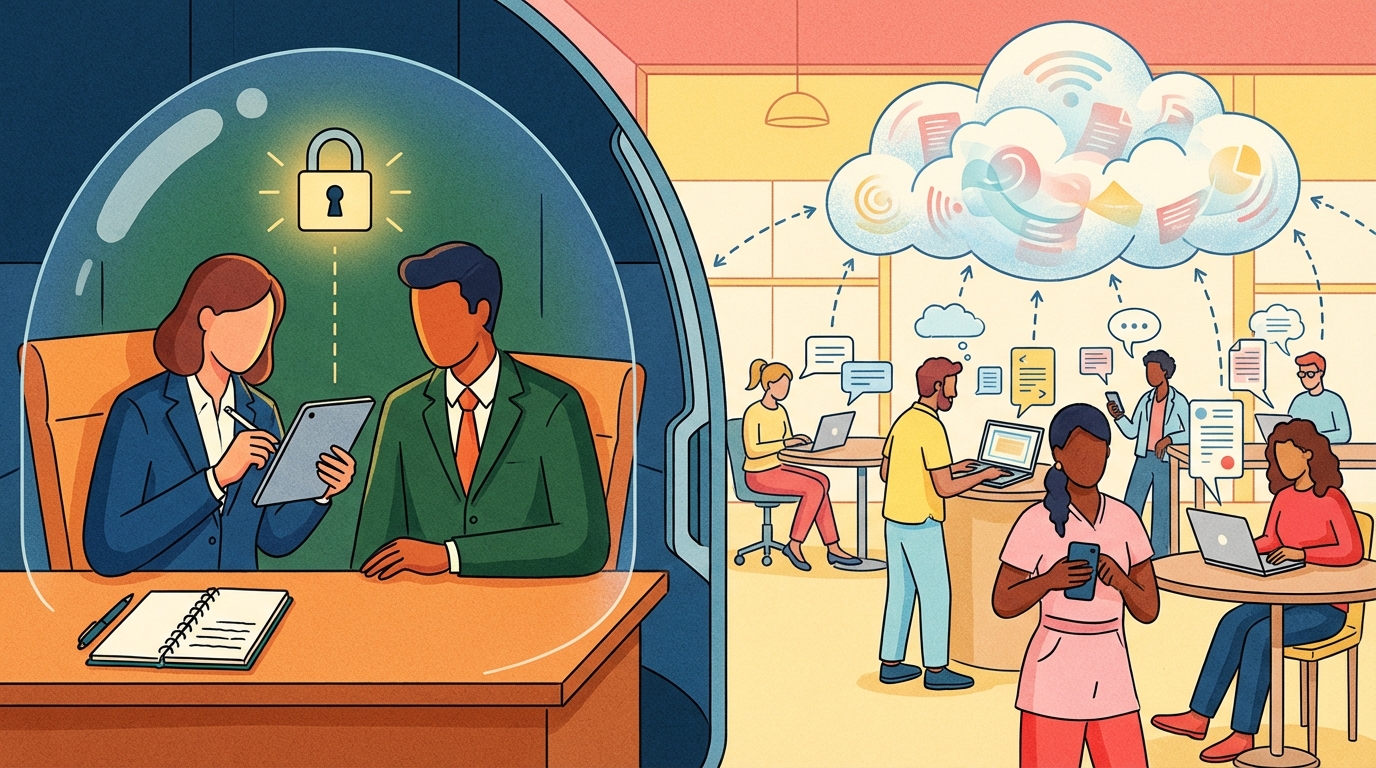
Not every business needs an offline meeting note taker. Casual users of meeting note takers are usually just fine with cloud-based solutions. However, there are several businesses that would greatly benefit from using an offline meeting note taker.
Client-facing professionals such as lawyers, consultants, financial advisors, etc., would greatly benefit from using an offline meeting note taker. When clients share confidential information with these types of professionals, it is typically difficult to explain to them that the conversation was recorded on a third party server.
Using an offline meeting note taker eliminates this concern. Additionally, regulated industries such as healthcare and law may also want to consider using an offline meeting note taker.
Typically, regulated industries have restrictions on storing sensitive information on external servers. Using an offline meeting note taker ensures that the sensitive information remains on your internal servers and is not accessible to unauthorized parties.
And there are many businesses who simply do not want their confidential meetings to go out to a third party server. For those businesses, cloud based solutions are not an option. Offline meeting note takers, however, present a good compromise in terms of speed and convenience with meeting apps, while remaining private.
Comparison of Costs

Cloud-based meeting note takers charge on a monthly basis. The prices vary depending on the vendor. However, the price range is typically between $20-30 per month per user. Otter runs $20-30 per month. Fathom is similar. Gong charges enterprise rates.
The total annual cost for cloud-based meeting note takers can be between $240-$360 per year per user. Shmeetings is a one-time purchase of $39. So regardless of how often you use it, the cost of Shmeetings remains a one time expense.
How it Works in Practice
Using Shmeetings is relatively easy. To begin, simply download the app and install the necessary AI models. Depending on the speed of your connection, this may take a few minutes.
Once the installation is complete, you can start using the app. Simply open the app and click the record button to start recording your meeting. Alternatively, you can configure the app to auto-start/stop recording based on whether it hears sustained conversation.
Regardless of how you choose to use the app, once the meeting is completed, Shmeetings will generate a summary and save the meeting notes to a file in the folder you designate. There is no requirement to log in, verify your email address, or pay a monthly fee.
The app works seamlessly with any meeting platform, including Zoom, Teams, Meet, WebEx, phone calls, and in-person conversations. Anytime your system or microphone picks up any conversation, Shmeetings can capture it and generate a transcript and summary.
Customization
One of the biggest advantages of using Shmeetings is the customization options available to users. Unlike cloud-based meeting note takers, Shmeetings allows users to define the prompt that drives the AI to generate the meeting notes. Users can define the prompts to match their unique needs:
"Capture all references to product features, bugs, and competitive mentions." "Identify objections, discuss pricing, and outline the next steps for the customer." "Generate a summary of action items for each team member."
Users can also include context files with Shmeetings. This includes any documents or files related to the meeting topic. The AI will use the context files to generate more relevant and accurate meeting notes.
Cloud-based meeting note takers cannot perform this function without having users upload sensitive files to their servers. So in this way, Shmeetings can be the ideal choice for organizations concerned about maintaining confidentiality.
Frequently Asked Questions
Will Shmeetings Work Without Internet Access?
Yes. Once the AI models have been downloaded onto your local device, you can use Shmeetings without connecting to the internet. So you can use Shmeetings anywhere, including in person meetings without a network connection.
Are the Transcriptions Accurate?
The accuracy of the transcriptions provided by Shmeetings is comparable to the accuracy of cloud-based meeting note takers. Both use similar AI models to generate the transcriptions. However, the quality of the transcription depends on the quality of your microphone and the quality of the audio feed.
Can Shmeetings Identify the Speaker of Each Comment?
Unfortunately, no. Shmeetings does not have the capability to identify the speaker of each comment. It captures the raw audio feed from whatever it hears.
How Long Does Summarizing Take?
Depending on the length of your meeting and the power of your computer, the time it takes to summarize the meeting can vary. On a recent MacBook Pro or a modern Windows PC, a one-hour meeting typically takes around 1-2 minutes to summarize. However, on older computers, the summarizing process may take longer. Shmeetings operates in the background while you continue working.
Can Participants Tell That the Meeting Is Being Recorded?
No. Shmeetings is completely invisible to all participants. It does not join the meeting as a participant and it does not send any notifications to indicate that the meeting is being recorded.
What Type of Computers Can I Use With Shmeetings?
Shmeetings is compatible with both Mac (Apple Silicon and Intel) and Windows. The recommended specifications are 8GB of RAM, and 16GB of RAM or more is highly recommended. Additionally, Shmeetings requires approximately 4GB of storage space for the AI models.
What Happens If Shmeetings Doesn't Work for My Needs?
You're out $39. There is no recurring payment plan to cancel. You don't have to worry about any data that you've generated with Shmeetings being exposed to unauthorized parties.
Conclusion

The decision to use a cloud-based meeting note taker versus an offline meeting note taker is largely dependent upon the sensitivity of the content that will be discussed in the meeting.
Cloud-based meeting note takers provide convenience and speaker identification capabilities. However, the use of these systems results in a loss of control over the content of the meeting.
Offline meeting note takers eliminate the need for a cloud-based solution and therefore eliminate the potential risks associated with the use of cloud-based solutions.
Both cloud-based meeting note takers and offline meeting note takers rely on AI to generate the meeting notes. However, the AI used in an offline meeting note taker resides on your local device rather than on an external server.
So the decision to use a cloud-based meeting note taker versus an offline meeting note taker should be based upon the sensitivity of the content that will be discussed in the meeting, your organization's policies, or your personal desire to avoid sharing your data with third party companies.
Download Shmeetings and keep your conversations private.