
Sales Call Recording Software That Keeps Your Deals Private
How Cloud Platforms for Sales Call Recording Work

Cloud-based sales call recording software stores every call on remote servers that your company does not own or control. Every detail of every conversation, including price quotes, competitive information, and customer objections, ends up on infrastructure managed by the platform provider.
A 2025 Gartner report found that 72% of B2B sales organizations now record at least some customer calls. That number was 45% in 2021. The growth makes sense. When you replay a discovery call and hear exactly what a prospect said about budget, you make better follow-up decisions.
But here is the part most teams skip over: where do those recordings actually go?
Cloud platforms typically cost more than local alternatives because users pay per employee on the platform. Many companies find themselves paying $1,200 to $1,600 per year per user. A company with 20 employees would spend $24,000 to $32,000 per year on call recording alone. These providers claim to encrypt recordings at rest and in transit, but the recordings still live on their servers. Many companies worry about allowing third parties to process their customer data.
Gong
Gong is the biggest name in revenue intelligence. It uses AI to help teams improve their deal-closing performance. Gong records calls across Zoom, Teams, and phone systems, then analyzes conversations for coaching opportunities and pipeline visibility.
Gong pricing starts at $100 per user per month with annual contracts. While Gong provides documentation about how it secures recordings, the company still owns and controls the servers where those recordings live. For legal teams concerned about third-party data processing, this creates questions worth investigating.
Chorus (ZoomInfo)
Chorus offers similar conversation intelligence features. ZoomInfo acquired it in 2021, and it now comes bundled with a ZoomInfo subscription. Like Gong, Chorus stores all recordings on its remote servers. The same cloud storage concern applies. Your call audio and transcripts live on infrastructure you do not manage.
Salesloft and Clari
Both Salesloft and Clari include call recording as part of their sales engagement platforms. Unlike Gong and Chorus, these are not standalone recording tools. They provide call recording alongside email sequencing, deal management, and forecasting. Pricing varies by plan, typically $75 to $150 per user per month. The recording cost is factored into the overall platform price rather than being a separate charge.
Why Cloud Call Recording Costs Add Up Fast
The per-user pricing model creates a specific pain point for sales teams. You pay for each employee who uses the platform, whether that employee makes five calls in a month or fifty. A team of 15 reps on Gong at $125 per month costs $22,500 per year. Add managers and SDRs who need access and the bill grows quickly.
The recurring nature of these fees creates long-term commitments. A mid-sized company using Gong for three years could spend upwards of $75,000 on call recording fees alone. For startups and smaller companies, that budget could fund an entire new hire.
There is also the vendor lock-in problem. Once you commit to a cloud platform, your historical call data stays in their system. Switching vendors requires you to export everything yourself (if the option exists) or lose access to months or years of recorded conversations.
An Alternative: Using Local Call Recording
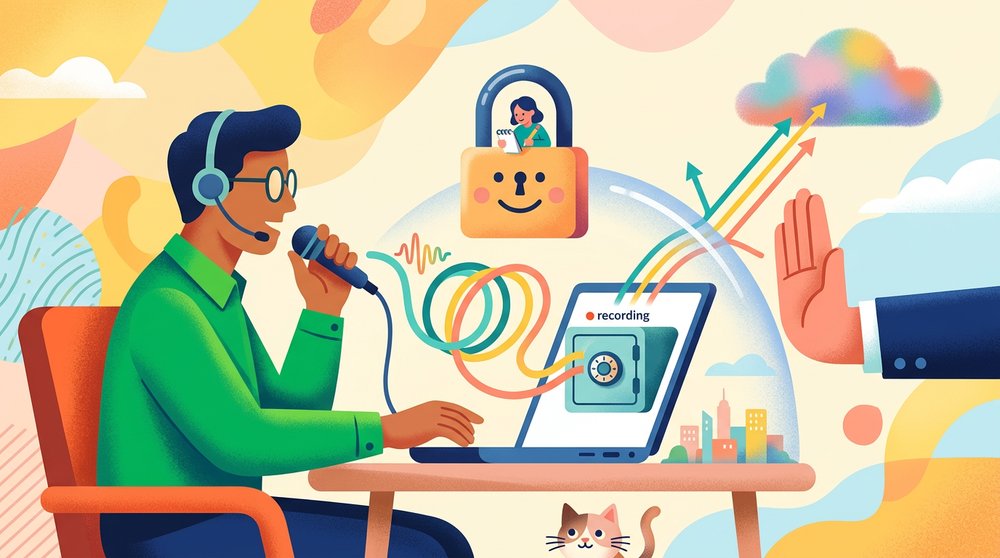
Local sales call recording software eliminates the need to send recordings to the cloud. The audio stays on your machine. No upload to third-party servers. No per-seat subscription for basic recording.
Tools like Shmeetings record meeting audio locally and transcribe it using AI models that run on your device. The recording never leaves your laptop. Local platforms often require a one-time fee, making the total cost much lower than cloud alternatives.
This approach works particularly well for:
- Regulated industries where customer conversations cannot be stored on third-party clouds (financial services, healthcare, legal)
- Competitive deals where pricing and strategy discussions need to stay internal
- Budget-conscious teams that want recording without the $100+ per seat monthly cost
- Solo reps and small teams who need transcription without enterprise contracts
The trade-off is that you lose the AI coaching and pipeline analytics that come with cloud platforms. You get the recording and the transcript, but not the deal intelligence layer on top.
When Local Recording Makes More Sense Than a Cloud Platform
Consider a financial advisor who records client calls to document investment discussions. Compliance rules may require those recordings to stay within the firm's controlled environment. Uploading to a third-party conversation intelligence platform creates a data handling question that compliance officers will flag.
Or consider a startup founder running sales calls with early prospects. The pricing is still flexible, the deal terms are confidential, and the budget for a Gong subscription does not exist yet. Local recording gives them call review capability at a fraction of the cost.
A local transcription approach also eliminates the latency of cloud processing. Your transcript is ready when the call ends, not minutes later after upload and processing.
Legal Considerations for Recording Sales Calls
Before you begin recording sales calls, you need to familiarize yourself with the consent laws that apply in your state and the state of the call recipient.
Consent Laws Vary State by State
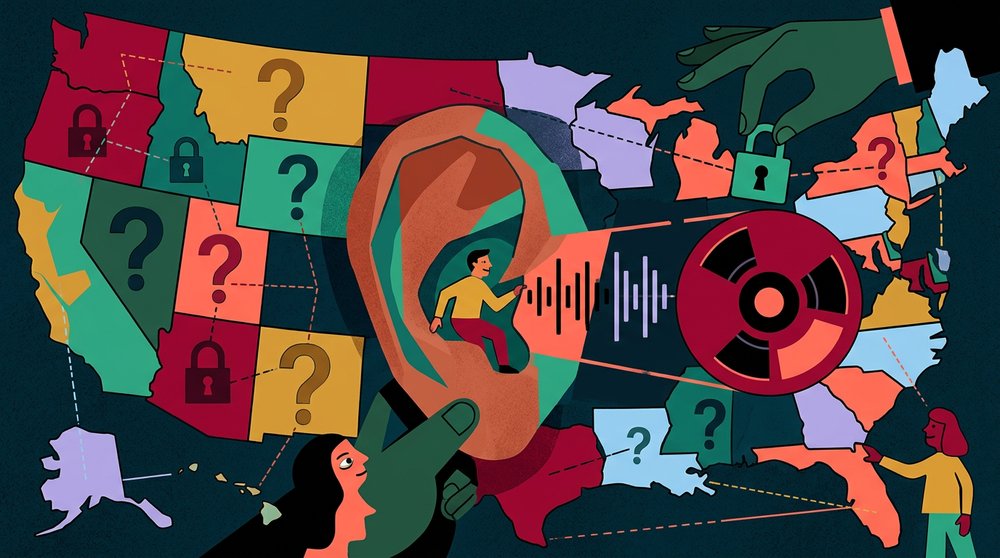
In the United States, recording laws vary by state. Some states (such as New York and Texas) only require one party on the call to consent. Other states (such as California, Florida, and Illinois) require all parties to consent. If you are in California calling a prospect in Florida, both states require all-party consent. The stricter law applies.
To avoid violating consent laws, obtain consent at the beginning of each call. State that you will be recording for your notes and ask if that is acceptable. Most prospects say yes. The ones who say no give you useful information about their comfort level.
GDPR and International Calls
Calls made to customers in the EU fall under the General Data Protection Regulation (GDPR), which regulates the collection, use, and transfer of personal data. You must obtain explicit consent to record calls from EU customers, and you need a lawful basis for processing their personal data.
Local recordings give you more direct control over deletion. The file is on your machine. You delete it and it is gone. No support ticket to a vendor asking them to purge data from their backups.
Choosing Between Cloud and Local Recording
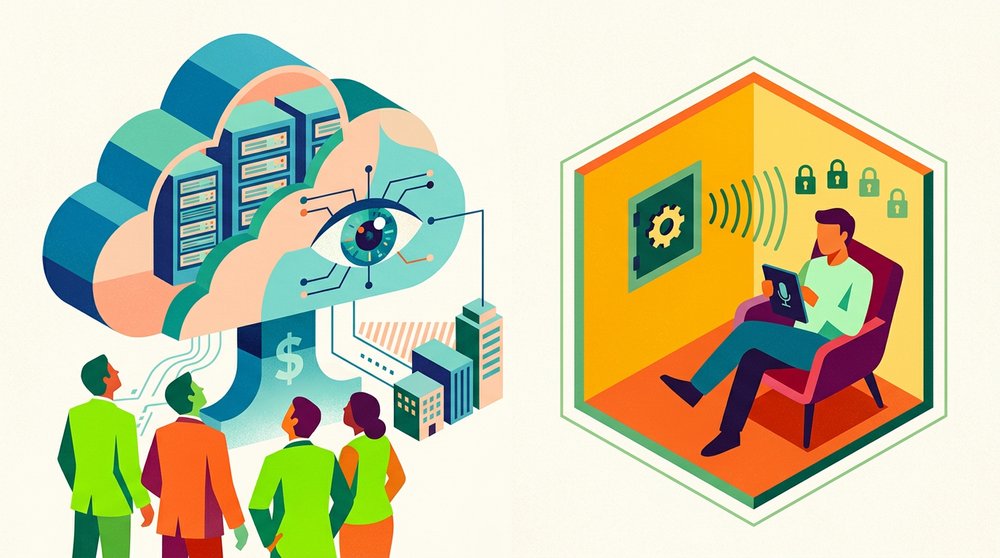
You need Gong or Chorus if:
- Your team has 20+ reps and you need conversation analytics at scale
- You want AI-powered coaching scorecards and deal risk scoring
- Your budget supports $1,200+ per seat annually
- Data residency and third-party storage are not concerns for your industry
You need local recording if:
- Compliance rules restrict where customer conversations can be stored
- You want recording and transcription without per-seat subscriptions
- Your team is small (1 to 10 reps) and enterprise platforms are overkill
- You handle sensitive pricing or deal terms that should not leave your network
A hybrid approach works when:
- You want cloud analytics for standard calls but local recording for sensitive ones
- Different team members have different compliance requirements
- You are testing whether conversation intelligence is worth the investment before committing to a full platform
Many teams start with local recording and move to a cloud platform once the team size justifies the analytics cost. Others use cloud platforms for standard calls but record sensitive negotiations locally.
Getting Started With Local Sales Call Recording

Setting up local call recording typically takes less than ten minutes:
- Install a local transcription tool like Shmeetings that captures system audio
- Test with an internal call to verify audio quality and transcription accuracy
- Create a folder structure for organizing recordings by deal or account
- Develop a standard disclosure statement to notify callers about recording
- Review several initial transcripts to set baseline expectations for accuracy
Modern AI models in local recording applications produce high-quality transcriptions that compare favorably to cloud services. Whisper-based models running locally achieve 95% accuracy or greater for clear English audio, comparable to results from Gong and Chorus.
For teams that want to share transcripts without sharing audio files, export the transcript text to your CRM notes field. This gives stakeholders visibility into the conversation without storing sensitive audio in another cloud system.
Using Call Recordings to Improve Sales Performance
Call recordings only provide value if you actually use them. Here are the workflows that deliver the most benefit:
Deal review. Before a follow-up call, review the transcript from the previous conversation. Find the exact words the prospect used to describe their problem. Use those words in your next email or call. This is more reliable than trying to remember details or reading CRM notes written in a rush.
Objection handling. Search your transcripts for common objections. If three prospects in a month raise the objection "we already have a solution for that," you have identified a pattern in your pitch worth addressing. This analysis does not require an AI platform. A simple text search works.
New rep onboarding. Let new hires listen to recordings of successful calls from experienced reps. Real call recordings teach more than any training manual. With local recordings, you can share specific files without giving new employees access to an entire cloud platform.
Manager coaching. Listen to a rep's calls and provide detailed feedback based on what actually occurred, not what the rep remembers happening. Regularly reviewing calls, even one review per week per rep, leads to improved close rates over time.
Frequently Asked Questions
Is it legal to record sales calls without telling the other person?
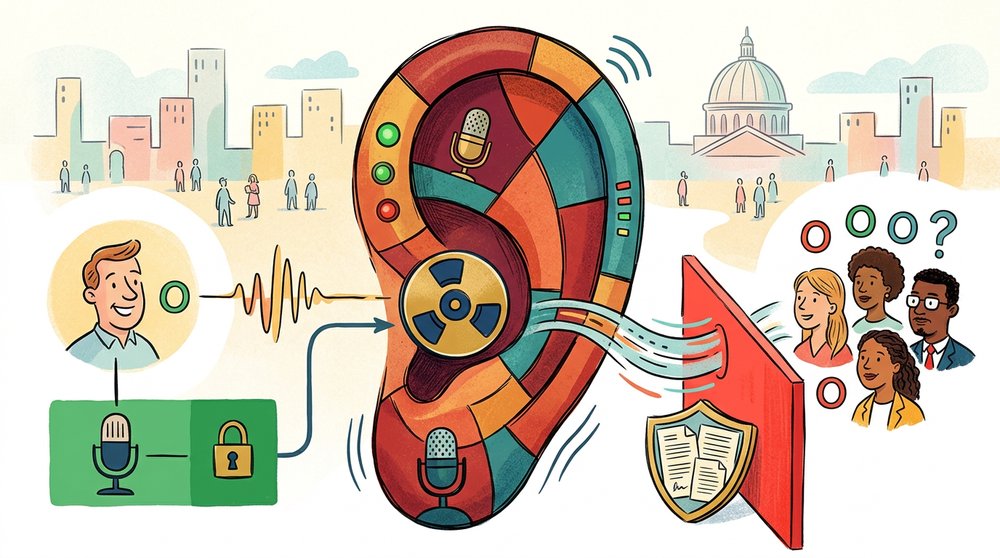
It depends on your state and the prospect's state. Some states allow one-party consent, meaning you can record without disclosure. But for sales calls, always disclose. It builds trust and avoids legal risk. Say something simple like "I'm recording this for notes" at the start of the call.
How much does sales call recording software cost?
Cloud platforms like Gong and Chorus cost $100 to $150 per user per month, usually with annual contracts. That translates to $1,200 to $1,800 per seat per year. Local recording tools like Shmeetings offer one-time purchase pricing, eliminating the recurring per-seat cost entirely.
Can I use local recording software for Zoom and Teams calls?
Yes. Local recording tools capture system audio, which includes any call happening on your computer. This works with Zoom, Teams, Google Meet, phone calls through softphones, and any other audio source playing through your speakers or headset.
Do cloud recording platforms share my call data?
Cloud platforms use your call data to train their AI models and generate benchmarks, though most allow you to opt out. Read the data processing agreement carefully. With local recording, your audio never leaves your device, so data sharing is not a factor.
What audio quality do I need for good transcription?
A decent headset or laptop microphone in a quiet room produces transcription accuracy above 95%. Speakerphone calls in noisy environments drop accuracy significantly. The same quality requirements apply whether you use cloud or local transcription.
Can I integrate local call recordings with my CRM?
You can copy transcript text into CRM notes fields manually or use automation tools to move text files into your CRM. Some local tools support direct export. The integration is less seamless than cloud platforms that connect natively, but the core data still gets into your system.