
The Story Behind Shmeetings
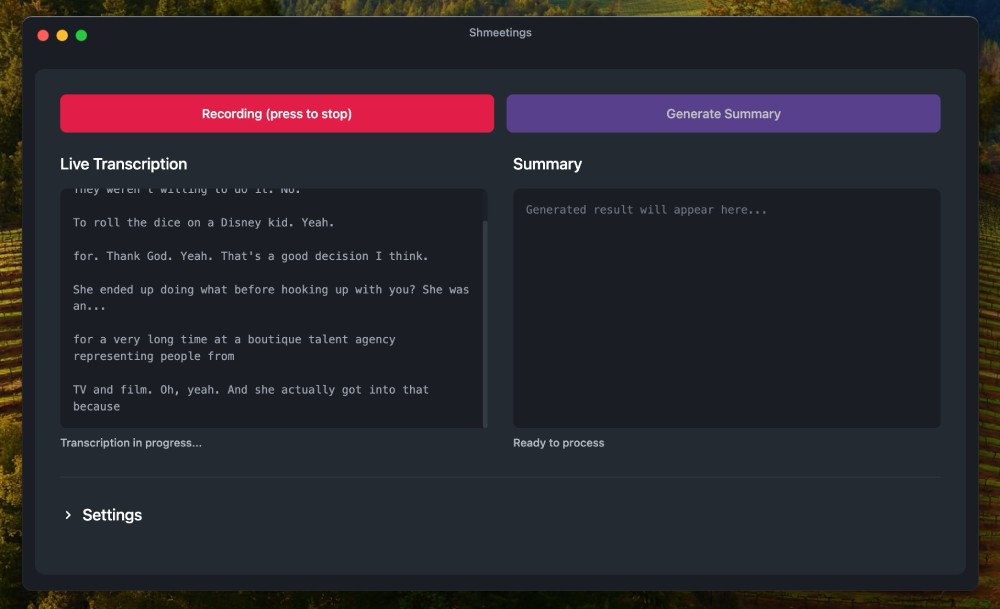
Sometime in early 2025 I started Shmeetings as a side project. I had discovered the wonderful world of Local LLM - running AI tools like Whisper and other open-source models on my computer, rather than use a cloud service.
To me the idea of complete privacy without sending any data to AI companies was becoming very appealing, especially after hearing about all the data leaks from user conversations.
Live transcription and summary seemed like a good place to begin. But as I found out, the implementation was a lot more complex than I had expected. Although these AI large language models were completely free and available, getting them to work together properly was not easy.
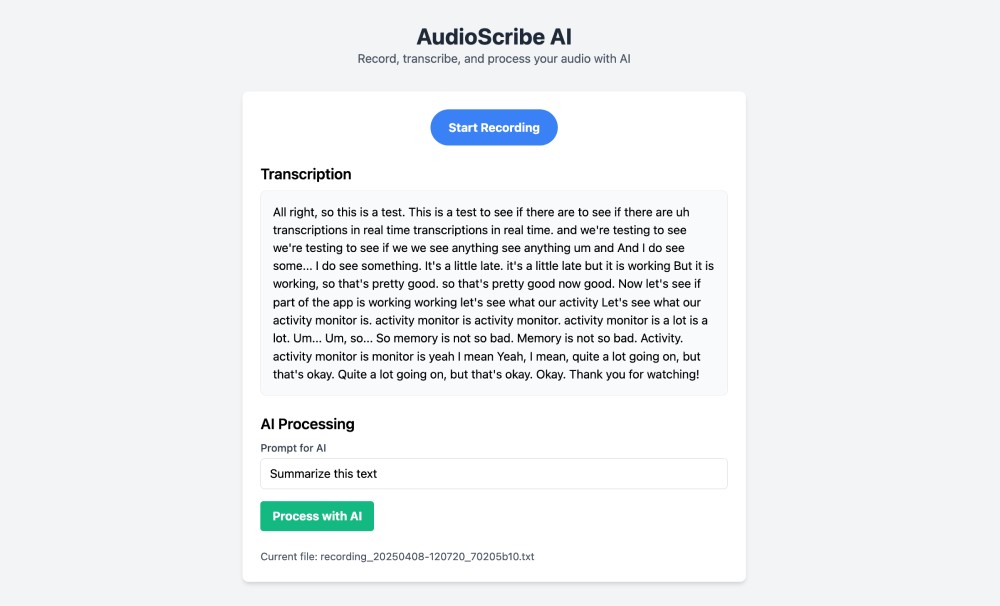
At the same time, cloud meeting assistants were rapidly appearing. I encountered many of them at work. To be honest, I was amazed that people were willing to expose the inner workings of their jobs—strategy meetings, employee concerns, client negotiations—to third-party AI companies. Despite all of the fears and worries regarding AI and data breaches, recording meeting conversations seemed to get a free pass.
I wanted to try meeting assistants myself, but I didn't want my conversations leaving my computer. So I decided to turn my side project into a real product.
Simple Apps Are Difficult, but Timeless
First and foremost, I wanted Shmeetings to be a simple and timeless desktop application. This is a very difficult thing to accomplish, especially when working with AI tools that run entirely on your computer. People have varying types of hardware, operating systems, and experience levels with technology. Making AI models run smoothly across all platforms is challenging.
But I kept thinking about apps from my youth. Winamp. AOL Instant Messenger. Stickies. These apps simply worked. Once installed, they performed as intended. There was no bloat.
Then with Cloud SaaS apps, everything became way more complex. Feature creep, subscriptions, constant pressure to expand. I'm sure this dates me, but I still really love timeless, simple apps that do just one thing well. I still use Stickies on my Mac every day.
That's what I wanted for Shmeetings.
Why Local Matters
Version 1 of Shmeetings used Ollama to run AI models. Ollama is a nice wrapper around Llama.cpp, which is the open source project that runs local AI models. But soon after releasing Shmeetings, Ollama began shifting toward cloud-based subscription services.
It's not that Shmeetings needed Ollama's cloud features, but I didn't like forcing my users to download and install a third-party app that was going against the local, privacy-first philosophy of Shmeetings.
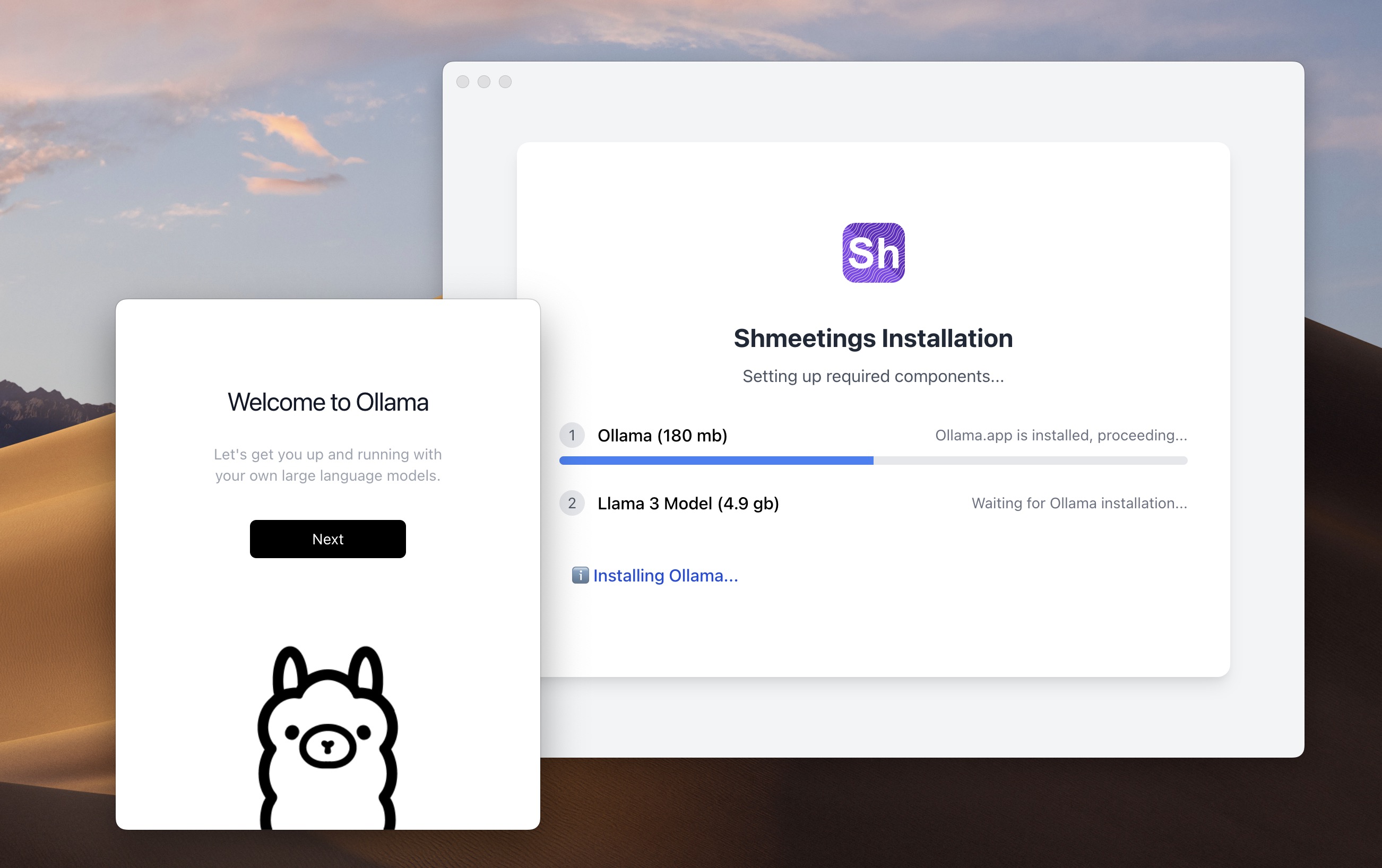
So Version 2 uses Llama.cpp directly. Everything runs on your machine. Your recordings, your transcripts, your summaries—none of it ever leaves your computer. And you don't need to install any third-party apps to run Shmeetings.
I strongly believe in local AI. We have access to incredible technology now, but we shouldn't have to give away our data to use it. Your M1 MacBook or Windows PC is perfectly capable of transcribing and summarizing your meetings. You don't need to send them to a server farm.
The Meeting Problem
Meetings can be draining. Back-to-back calls where you're listening, thinking, responding, and writing notes all at once. Something always slips through the cracks.
I enjoy taking notes, but I also wanted something that could remind me of what a meeting was about. A basic transcript. A brief summary. Action items I might have missed while I was talking.
I also liked the idea of using customized prompts with very specific requests—things you would never enter into a cloud app because you'd be revealing too much about your work. With Shmeetings, I can tell it exactly what I care about because that prompt never leaves my laptop.
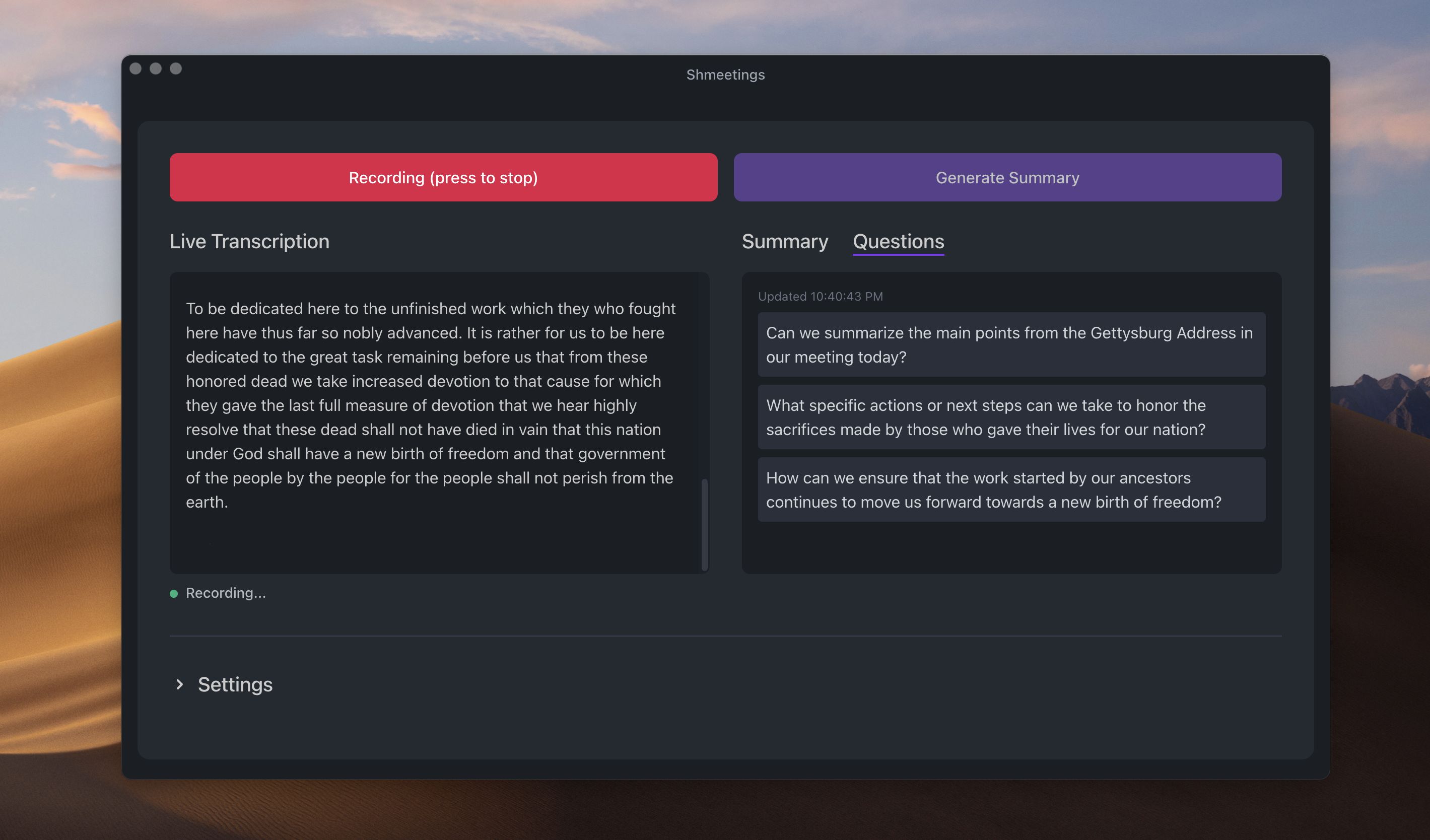
And with Version 2, there's now a 'Suggested Questions' feature that gives you ideas on what to ask next in your meeting. This is great for brainstorming sessions or when you're stuck in a meeting and don't know what to say.
The Trade-Offs
But now for the downsides of a local standalone app. Shmeetings isn't integrated directly with Zoom or Teams. It doesn't identify speakers by name. It doesn't merge your notes with the meeting itself like some AI note-taking apps do. And it doesn't work lightning fast like cloud apps that have access to massive server farms.
It's simply a straightforward tool that listens, transcribes, and summarizes.
For me, those trade-offs are worth it. I'd rather have a private, simple tool that does one thing well than a feature-packed app that's capturing every word I say and storing it on a server farm.
If you're someone who has a lot of meetings and cares about where your conversations end up, Shmeetings might be the right choice for you.
Maybe you'll end up still using it years from now. I hope you do. I know I will.
Growing from Solo Dev to Team
While Shmeetings started as a solo project, I've now roped in my family and friends to help with testing and feedback and support. Plus, we now have a user base who provide invaluable insights into how they are using the app, on what hardware, and what features they want next.
So while I'm still the main developer, Shmeetings is slowly growing into a team effort. It's exciting to see where it will go next.
Meetings... Shmeetings
By the way, why call it Shmeetings? Well it's a play on "meetings" with an "sh" added to the front, like "shh"—to imply privacy and secrecy. Your meetings are private, and Shmeetings keeps them that way.
That's what I tell people anyway. The truth is I love declaring "Meetings, Shmeetings!" out loud. Fuggedaboutit.