Interview Transcription: How to Get Accurate Text From Any Interview
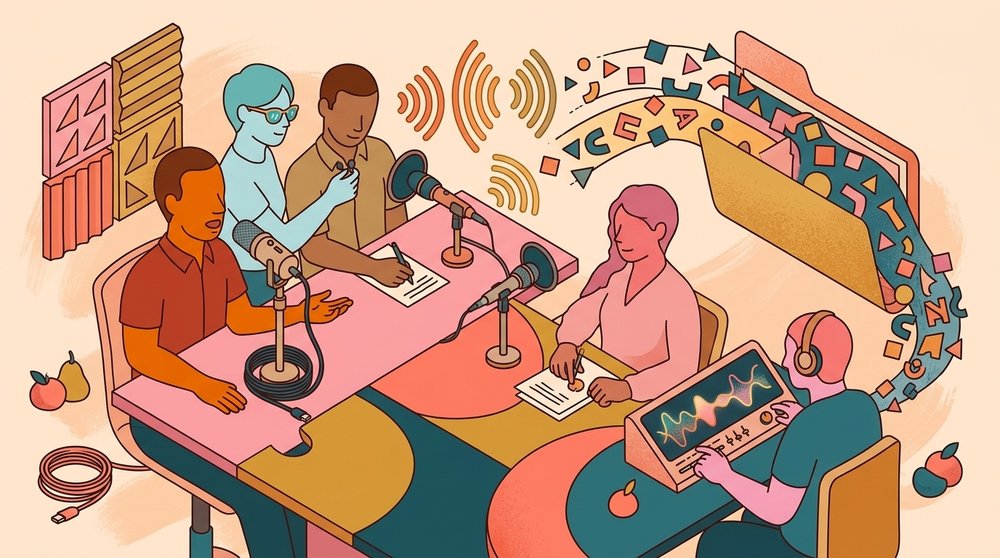
A messy interview transcript wastes hours. You scrub through audio looking for one quote, fight with names the software guessed wrong, and re-listen to crosstalk that came out as one long run-on sentence. The transcription of interview audio is harder than meeting transcription because the speakers are unfamiliar to the tool, the questions are open-ended, and the recordings often contain sensitive information you would rather not upload to a server you do not control.
This guide walks through how to get accurate interview transcripts without giving up your source material. You will see what affects accuracy, how local and cloud tools compare, and the workflow steps that separate a usable transcript from one you have to redo by hand.
What Makes Interview Transcription Different
Interviews are conversational. People interrupt each other, trail off, repeat themselves, and use filler words. A transcription tool that handles a structured Zoom standup at 95% accuracy will often drop to 80% or worse on a one-on-one interview with background noise.
Three things drive the gap:
- Speaker variety. The tool has no prior exposure to the interviewee's voice, accent, or speech patterns.
- Vocabulary. Interviews about niche topics (medical, legal, technical research) contain terms that general models guess incorrectly.
- Audio quality. Phone recordings, lapel mics, and noisy environments all reduce word error rates.
According to a 2023 evaluation by Rev, automatic transcription accuracy drops by 8 to 15 percentage points on conversational audio compared to scripted speech. That gap matters when you are pulling direct quotes for publication or legal records.
Cloud vs Local: The Privacy Question First
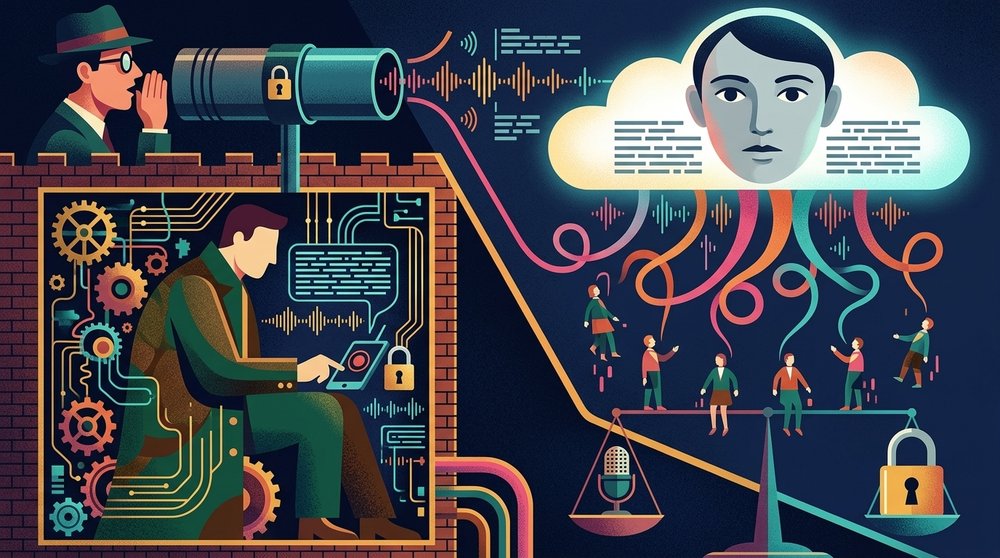
Before you pick a tool, decide where the audio can live. Journalists protecting sources, HR teams handling exit interviews, and researchers under IRB protocols often cannot upload recordings to a third-party server.
Cloud transcription
Services like Otter, Rev, and Trint upload your file, transcribe it on their infrastructure, and return text. They are fast and usually accurate. They also keep a copy of the audio and transcript on their servers, often used to train their models unless you explicitly opt out. For sensitive interviews this is a non-starter.
Local transcription
Local tools run the whole transcription on your computer. The audio never leaves your machine. Shmeetings is one option, built on Whisper for offline meeting and interview transcription. Other open-source options include MacWhisper and the raw Whisper CLI.
The tradeoff: local transcription takes longer (5 to 30 minutes for a one-hour interview, depending on your hardware) and requires a one-time setup. For sensitive material, those minutes are well spent.
If you want a deeper comparison, see our breakdown of interview transcription services vs DIY tools and the local AI transcription complete guide.
How to Record Interviews for Better Transcripts
Garbage in, garbage out. Recording quality has more impact on transcript accuracy than the choice of tool.
Use a dedicated microphone
Built-in laptop mics pick up keyboard noise and room echo. A USB condenser mic for in-person interviews, or a lapel mic clipped near the speaker, will cut error rates noticeably. For phone interviews, record on the phone itself rather than holding a laptop near the speaker.
Record both sides separately
If the interview is remote, record each participant's audio on a separate track. Tools like Riverside and SquadCast capture local audio per participant, which means transcription can label speakers correctly without guessing from a single mixed file.
Match the file format to the tool
Most transcription tools accept MP3, M4A, and WAV. WAV files are uncompressed and produce slightly better results, but the difference is small. What matters is sample rate. Aim for 16kHz or higher. Anything below 8kHz (some old phone recordings) will hurt accuracy.
A Practical Workflow That Actually Works
The step-by-step process below consistently produces a clean transcript with minimal cleanup time.
Step 1: Prepare a glossary
Before you transcribe, write down the names, technical terms, and acronyms that will appear in the interview. Many tools accept a custom vocabulary list. Even if yours does not, having the glossary open during cleanup speeds up the find-and-replace work.
Step 2: Run the first pass
Drop the audio file into your transcription tool and let it run. Do not edit yet. Get the full draft first.
Step 3: Listen and correct in chunks
Open the transcript next to your audio player. Play the audio at 1.25x or 1.5x speed and follow along, fixing errors as you go. Most editors (including Shmeetings) let you click a word to jump the audio to that point, which cuts cleanup time significantly.
Step 4: Fix speaker labels
If the tool guessed speakers from a mixed audio file, expect mistakes. Skim through and merge or split labels as needed. This is where separate-track recording pays off.
Step 5: Format for your use case
A research transcript needs different formatting than a journalism quote pull. Decide upfront whether you want clean-read (filler words removed, false starts cleaned up) or verbatim (every "um" preserved). Mixing the two within one transcript makes it unusable for analysis.
Step 6: Handle the common accuracy killers
A few specific problems come up in nearly every interview transcript.
Crosstalk. When two people speak at once, most tools transcribe one speaker and drop the other. Listen to crosstalk sections manually and add the missing speech.
Proper nouns. Names, brands, and place names are guessed wrong constantly. A glossary cuts this in half. The other half you fix manually.
Numbers and dates. "Twenty-twenty-three" becomes "2020 23." "Five point two percent" becomes "5.2%." Decide on your formatting convention before you start, and apply it during cleanup.
Background noise. Air conditioning, traffic, and shuffling papers all introduce phantom words. If the recording is salvageable, run it through a noise reduction pass (Audacity or Krisp work well) before transcription.
For Zoom and Teams interviews specifically, see how to have Zoom transcribe a meeting and how to record and transcribe a Teams meeting.
When to Hire a Human Transcriptionist
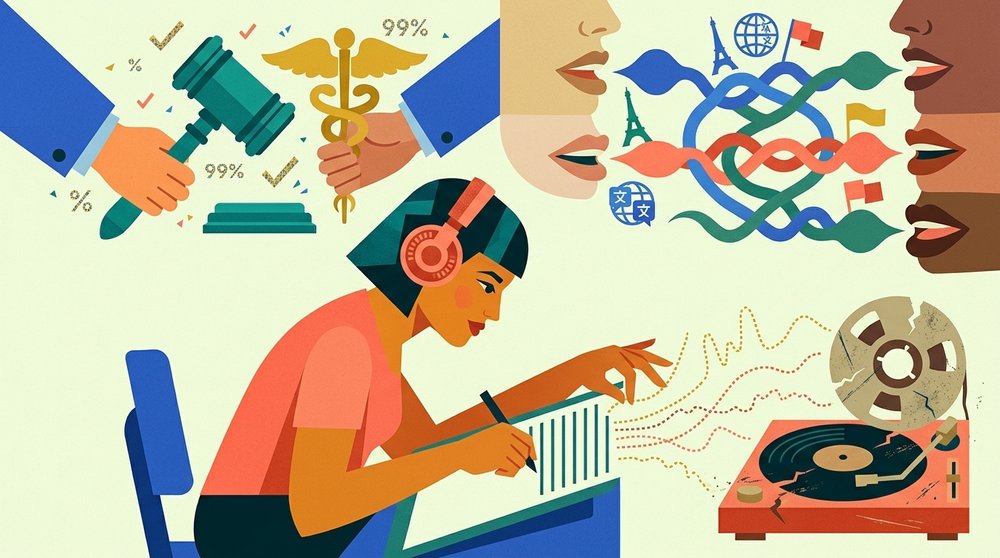
Automatic tools have closed the gap on simple audio, but human transcriptionists still win on three scenarios:
- Legal and medical interviews where accuracy must be near 100% and the cost of an error is high.
- Heavy accents or multiple languages in the same recording.
- Old or damaged audio that automatic tools cannot parse.
Services like Rev offer human transcription at a per-minute rate with accuracy guarantees, which for a one-hour interview adds up to real money against a few dollars for automatic transcription. Use it when the stakes justify the cost.
A 2024 industry report from Verbit found that hybrid workflows (automatic transcription followed by human review) are the fastest-growing segment, combining cost efficiency with publication-grade accuracy.
Frequently Asked Questions
How accurate is automatic interview transcription?
For clean audio with one or two speakers, expect 90 to 95% accuracy from a modern tool. For phone interviews, accented speech, or noisy environments, accuracy can drop to 75 to 85%. Plan on cleanup time of roughly one-third the interview length for the first pass.
Can I transcribe an interview without uploading the audio?
Yes. Local transcription tools run the entire process on your computer with no internet connection required. This protects source confidentiality and meets the requirements of most IRB protocols and journalism ethics guidelines.
How long does it take to transcribe a one-hour interview?
Automatic tools take 2 to 30 minutes depending on whether they run in the cloud or locally. Manual cleanup typically adds 1 to 3 hours of editing time. Pure human transcription takes 4 to 6 hours per hour of audio.
What file format is best for interview recordings?
WAV at 16kHz or higher gives the best quality. M4A and MP3 at 128kbps or higher work well for most cases. Avoid anything below 8kHz sample rate or under 64kbps bitrate, which are common in old phone recordings and noticeably reduce accuracy.
Do I need a special microphone to get good transcripts?
Not strictly, but a dedicated USB or lapel microphone cuts error rates significantly compared to a laptop's built-in mic. A modest microphone pays for itself after one or two interviews in saved cleanup time.
Should I record interviewees with their consent?
Always. Most jurisdictions require at least one-party consent for recording, and many require all-party consent. Beyond the legal floor, asking permission upfront also tends to produce better interviews because the source knows the conversation is on the record.
Pick a tool that matches your privacy needs, prepare a glossary, record on the best mic you can manage, and budget time for cleanup. The combination of decent audio and a structured workflow produces transcripts you can actually use, whether that is for a research paper, a published article, or an internal HR file.
If your interviews contain sensitive material, start with a local transcription tool. The audio stays on your machine, the workflow is the same, and you sleep better at night.