
Interview Transcription Services vs DIY Tools: Which Saves More Time
You just finished a 45 minute interview and the recording is sitting on your desktop. Now you need a transcript. Interview transcription services will hand it off to a human for you, or you can run it through an AI tool yourself.
Either way works fine. However, there is a real difference in price, turnaround time, accuracy and how much of your data leaves your machine. Below is a breakdown of the real numbers so you can make the best choice for your workflow.
What Professional Interview Transcription Services Provide
Professional interview transcription services use artificial intelligence and human reviewers to complete the transcription of your recorded interviews. You simply upload your audio file and a team of transcribers will provide you with a final draft of your interview. Some of the large players in the industry include Rev, GoTranscript and TranscribeMe.
How the Process Works
First, you set up an account, then you upload your audio file and choose how quickly you would like the transcription completed. Most transcription companies allow you to choose from several different turnaround times (from 12 hours to 5 business days). Faster turnaround times cost more money. After you upload your audio, a human transcriber listens to the audio, types it and has another human reviewer check their work.
In almost every case, professional transcriptions are 99% accurate. This means that approximately 1 in every 100 words will be incorrect. For example, if you were to record a one hour interview and compare the raw transcript of those five thousand words to a professionally edited version, there could be as many as 40 to 60 errors in the unedited version. Professional versions of the transcript will greatly decrease these errors.
Price Per Audio Hour
Professional services will charge anywhere from $1.25 to $3.00 per audio minute. Therefore, a one hour interview will cost anywhere from $75 to $180. There are volume discounts available, but most researchers and journalists complete fewer than ten hours of interviewing per month.
Rev's pricing page indicates that their AI transcription begins at $0.25 per minute while their human transcription is priced at $1.50 per minute. GoTranscript charges approximately $0.72 per minute for human transcription with a standard turnaround time.
For the sake of argument, assume that an academic researcher completes twenty or more interviews per study. The cost of completing the transcription alone will quickly add up. A qualitative study that includes thirty one hour interviews completed at $1.50 per minute will be $2,700.
What DIY Transcription Tools Offer
DIY transcription tools allow you to create a transcript of your interviews without having to send them off to a human transcriptionist. There are two general types of DIY tools: cloud AI transcription tools and local AI transcription tools that operate solely on your computer.
Cloud AI Transcription
Cloud tools such as Otter.ai and Notta will upload your audio file to remote servers and provide you with a transcript in a matter of minutes. The cost of using either of these tools for unlimited or high volume usage is anywhere from $10 to $25 per month. Accuracy varies depending on the quality of your audio, accents and background noise, but most cloud AI tools are capable of achieving accuracy rates ranging from 85% to 95%.
One of the main advantages of using cloud AI transcription is the speed of the service. A one hour recording will typically process in a couple of minutes. Waiting for a human transcriptionist to complete the job is no longer necessary. You receive the results immediately.
However, the disadvantage is accuracy. While cloud AI tools can handle clean audio very effectively, they struggle with multiple speakers talking at once, heavy accents and technical vocabulary. You will then need to spend additional time editing the output to ensure that the transcription accurately represents what was said during the interview.
Local AI Transcription
Local tools utilize the OpenAI Whisper model to process your audio locally on your computer. None of your interview data ever leaves your machine. Tools such as Shmeetings use the transcription engine to transcribe your audio completely on your own hardware, providing you with complete protection of your interview data.
If you are a journalist protecting sources, an HR manager conducting candidate interviews, or an academic researcher subject to IRB data security guidelines, this is the safest option for you to consider.
Local transcription accuracy is dependent upon the power of your hardware. Macs with Apple Silicon or Windows PCs with dedicated graphics processing units produce results that are similar to cloud AI tools at an accuracy rate of 90% to 95%. In addition, local transcription is fast. Processing a one hour interview will typically take just a few minutes on modern hardware, and most local transcription tools will continue to run in the background while you are working on other tasks.
Comparison of Costs for Real Workflows
Below are examples of what each option will cost for a typical interview workload of 10 one hour interviews per month.
| Method | Examples | Monthly Cost | Accuracy | Editing Time |
|---|---|---|---|---|
| Professional human service | Rev, GoTranscript | $750 – $1,800 | 99% | Minimal |
| Cloud AI tool | Otter.ai, Notta | $15 – $25 | 85% – 95% | ~2 hours for 10 transcripts |
| Local AI tool | Shmeetings, Whisper | $0 (after setup) | 90% – 95% | ~2 hours for 10 transcripts |
The cost differential is enormous. A journalist who conducts 10 interviews per month will save over $700 per month by choosing to use a local AI tool instead of a professional transcription service. In addition, the savings will equal $8,400 per year regardless of the time you will save by not waiting for turnaround.
Accuracy and Editing Time
Raw accuracy percentages only represent a portion of the overall picture. What truly matters is the total amount of time from recording to completed transcript.
| Method | Accuracy | Upload/Start | Processing | Editing | Total Active Time |
|---|---|---|---|---|---|
| Professional service | 99% | 2 min | 12 – 120 hours (waiting) | 20 min review | ~22 min + waiting |
| Cloud AI tool | 85% – 95% | 2 min | 2 min | 45 min | ~49 min |
| Local AI tool | 90% – 95% | 1 min | A few min (background) | 45 min | ~46 min |
Although a 99% accurate human transcript of a 5,000 word interview requires some reviewing, you will likely find errors in proper nouns, technical terms and mumbled responses. A 90% accurate AI transcript of the same interview will contain approximately 500 errors. Many of the errors will be minor (missing articles, wrong homonyms), but some will change the intended meaning.
The key difference between cloud and local AI tools is not speed or accuracy but privacy. Local tools process audio entirely on your machine without sending data to external servers. The choice comes down to your priorities. If you have limited time and can afford to wait, then hiring a professional transcription service is your best bet. If you need results today and are looking for a cost effective solution, then DIY transcription tools win.
Data Security and Privacy Considerations
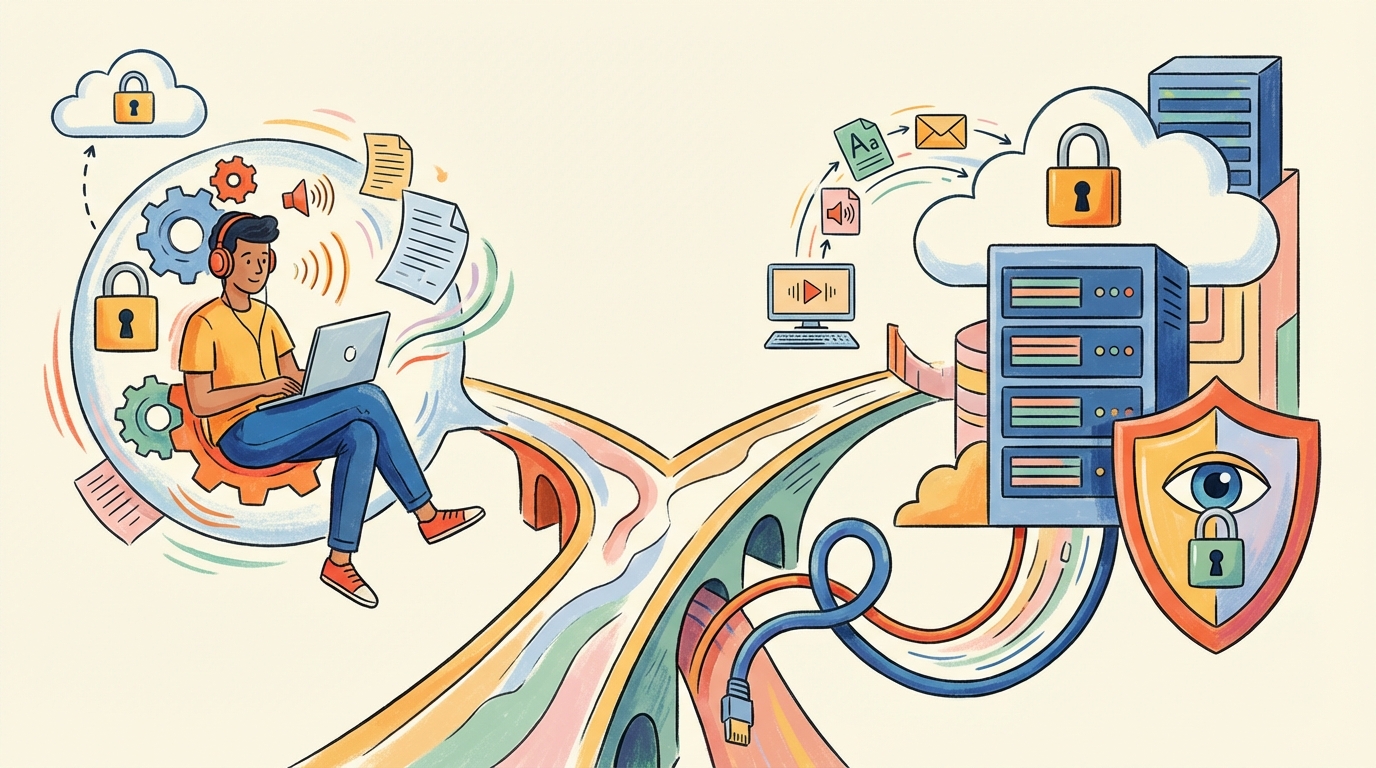
Interview recordings frequently contain confidential or sensitive information. Protecting that data should be a consideration in your decision about which transcription method you will choose.
Professional services require you to upload your audio file to their servers. Most professional transcription services have strict confidentiality policies, but your data is still stored on a server that you do not control. For example, Rev's privacy policy indicates that they may use uploaded content to improve their services unless you opt out.
Cloud AI transcription tools also store your audio on their servers. For example, Otter.ai stores recordings on AWS servers. Notta utilizes Google Cloud servers. If you conduct interviews that involve whistleblowers, litigation, or protected health information, then uploading your audio to cloud servers poses risks.
Local transcription tools, such as Shmeetings, remove this risk entirely. Your audio remains on your machine. No servers, no uploads, no third party access. For professionals who need to keep recordings off the cloud and journalists who report sensitive information, local transcription tools provide the only method of fully satisfying data security requirements.
Choosing Which Method to Use
Pick professional transcription services when:
- You need nearly flawless accuracy for publication or legal purposes
- Your budget allows for spending $75+ per hour of audio for transcription
- You have flexible deadlines of 24+ hours
- The content is not sensitive enough to necessitate local processing
Pick cloud AI tools when:
- Speed is more important than perfection
- You process a high volume of interviews regularly
- You are willing to store your recordings on cloud servers
- You desire features such as speaker identification and search
Pick local AI tools when:
- Data privacy is a necessity and not a preference
- You wish to incur zero recurring costs after setup
- You operate in an offline environment or a restricted network environment
- You handle sensitive interviews with sources, patients or candidates
Many professionals combine methods. They will often utilize local tools for sensitive interviews and cloud AI for routine conversations. The best workflow will depend on the sensitivity and urgency of each recording.
Frequently Asked Questions
How accurate are AI transcription tools compared to professional transcriptionists?
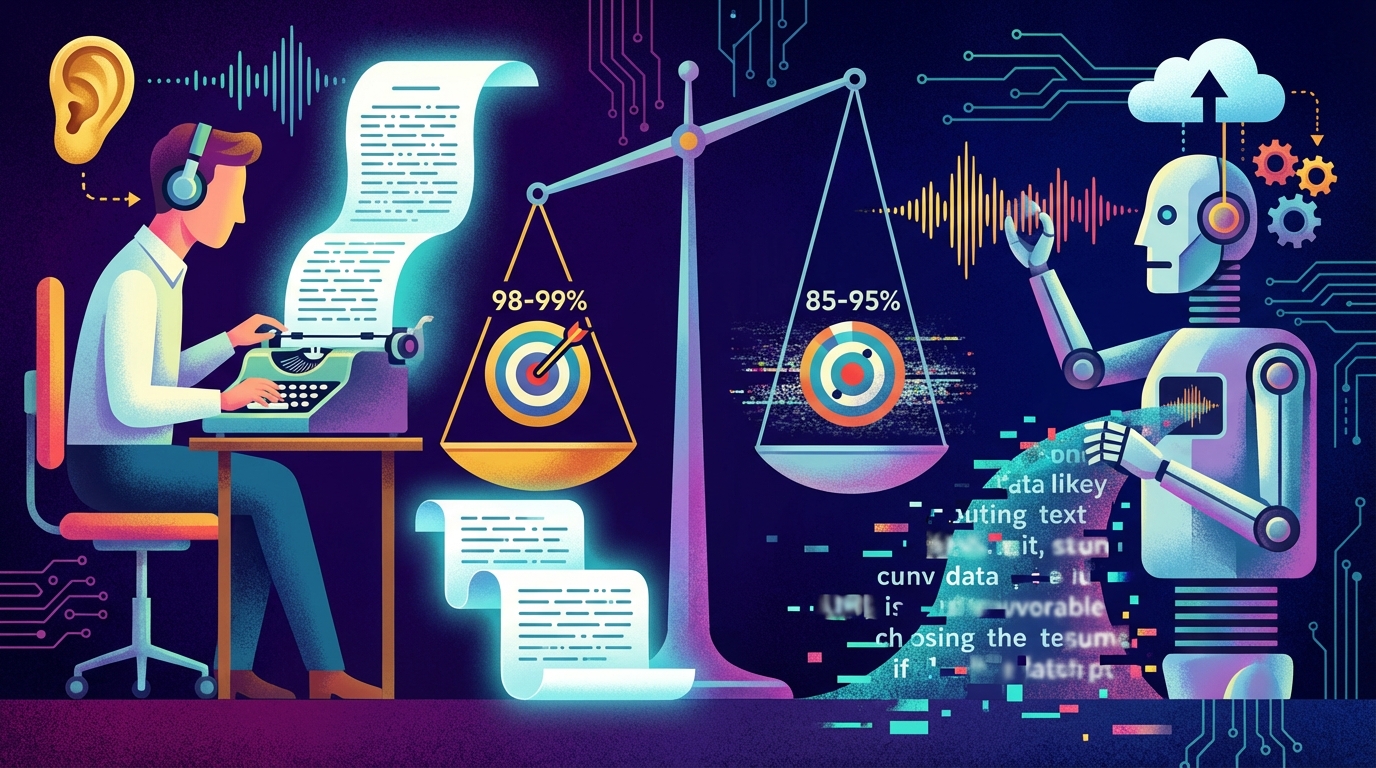
Professional transcriptionists provide 98% to 99% accuracy. AI transcription tools (cloud and local) typically achieve 85% to 95% accuracy on clear audio. The accuracy gap decreases with higher quality recordings and standard accents, but it increases with background noise, overlapping speakers, and technical vocabulary.
How long does it take to transcribe an hour of audio?
Professional services take 12 hours to 5 business days to complete the transcription depending on the turnaround time you select. Cloud AI transcription tools can complete the same recording in a couple of minutes. Local AI tools can also complete the transcription in just a few minutes on modern hardware, and local transcription will run in the background while you complete other tasks.
Is it safe to upload my recordings to transcription companies?
Most reputable transcription companies have confidentiality policies and encrypted storage. However, uploading your recordings creates inherent risk. Your recordings are on servers you do not control. For sensitive source interviews, legal privilege interviews, and research participant interviews, utilizing local transcription provides greater safety.
Will AI handle multiple speakers during an interview?
Yes, AI can handle multiple speakers, but there are limitations. Cloud tools such as Otter.ai can identify speakers automatically. Local tools vary in speaker identification capabilities. Most AI tools can easily handle two speaker interviews. Interviews with three or more speakers will reduce accuracy for all tools, including professional transcription services.
What type of audio quality do I need for accurate transcription?
Record in a quiet location with your microphone close to your speakers. Record in lossless or high bitrate format whenever possible. Both professional transcriptionists and AI transcription tools experience decreased accuracy with poor audio quality, specifically background noise, echo, and low volume recordings. A $30 USB microphone will produce better results than a laptop built in microphone.
Do I need special hardware to run local transcription tools?
Modern laptops produced since 2020 will generally function well with local transcription. Apple Silicon Macs (M1 and later) are particularly fast. Windows PCs with 16GB or more RAM and a dedicated GPU also perform well. You do not need to purchase a high end workstation. Budget laptops may work, but will generally take longer to process the audio.