
Local AI Transcription: Why Your Meeting Audio Should Never Leave Your Computer
Local AI transcription is now good enough that the cloud round trip is a choice rather than a requirement, and for meeting audio it's usually the wrong choice to make. The engine runs on your machine, the audio never leaves it, and the accuracy gap that justified uploading has mostly closed. This guide covers the mechanics, the privacy case, the model decision, and what the hardware actually needs.
What Local Transcription Actually Is
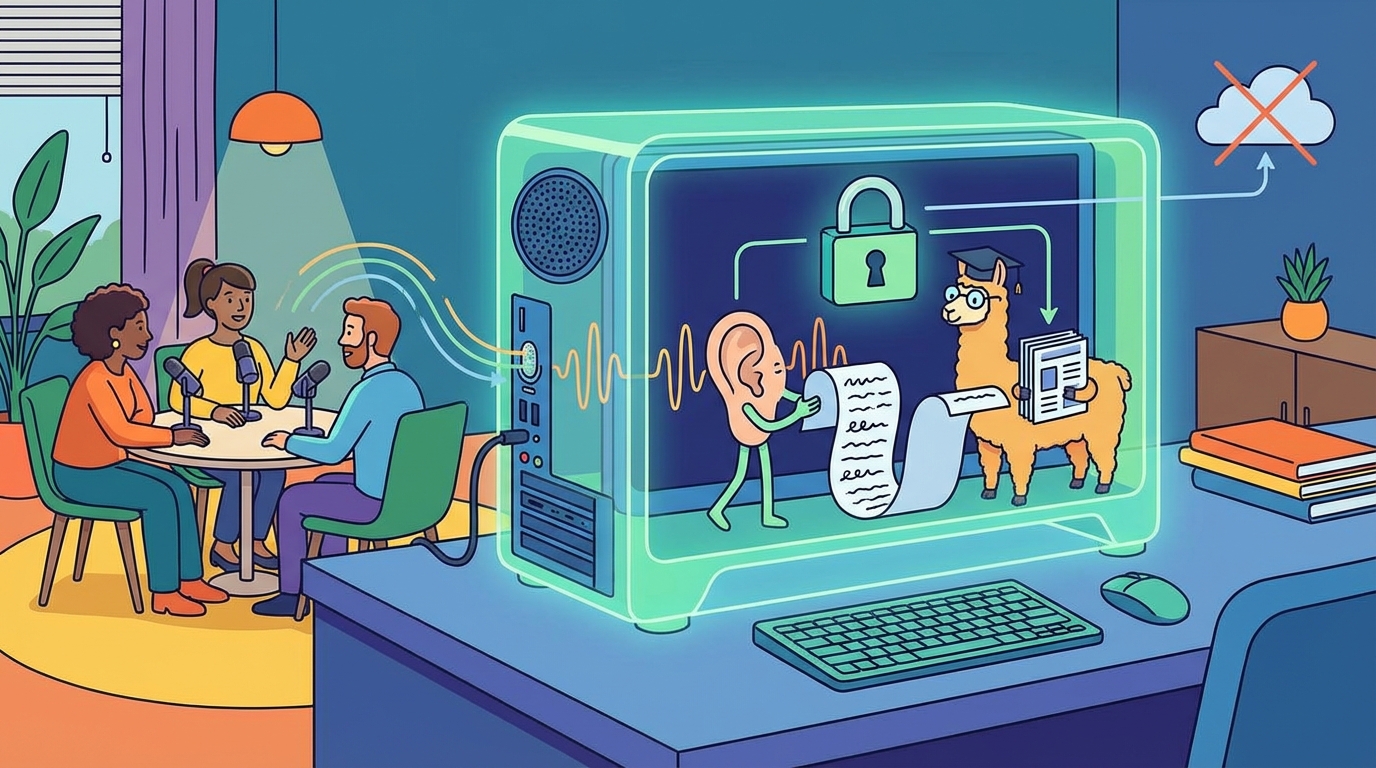
A speech recognition model runs on your hardware, audio goes in, and text comes out without a byte touching the network. The engine under most local tools is Whisper, released by OpenAI and trained on 680,000 hours of audio across 99 languages. The same model powers a whole range of consumer apps, so choosing local usually means choosing a wrapper around Whisper rather than a different technology.
One confusion worth clearing: this is the opposite direction from text-to-speech, which reads text aloud. Transcription turns spoken words into written text you can search, edit and file. Both now run locally, and both follow the same privacy logic, but they're different tools for different jobs.
Because the work happens on your machine, there's no upload to wait for, no service outage that stalls a deadline, and no per-minute meter running. The setup is a one-time cost, and after it, transcribing an hour of audio is a button press.
Why the Audio Staying Put Matters
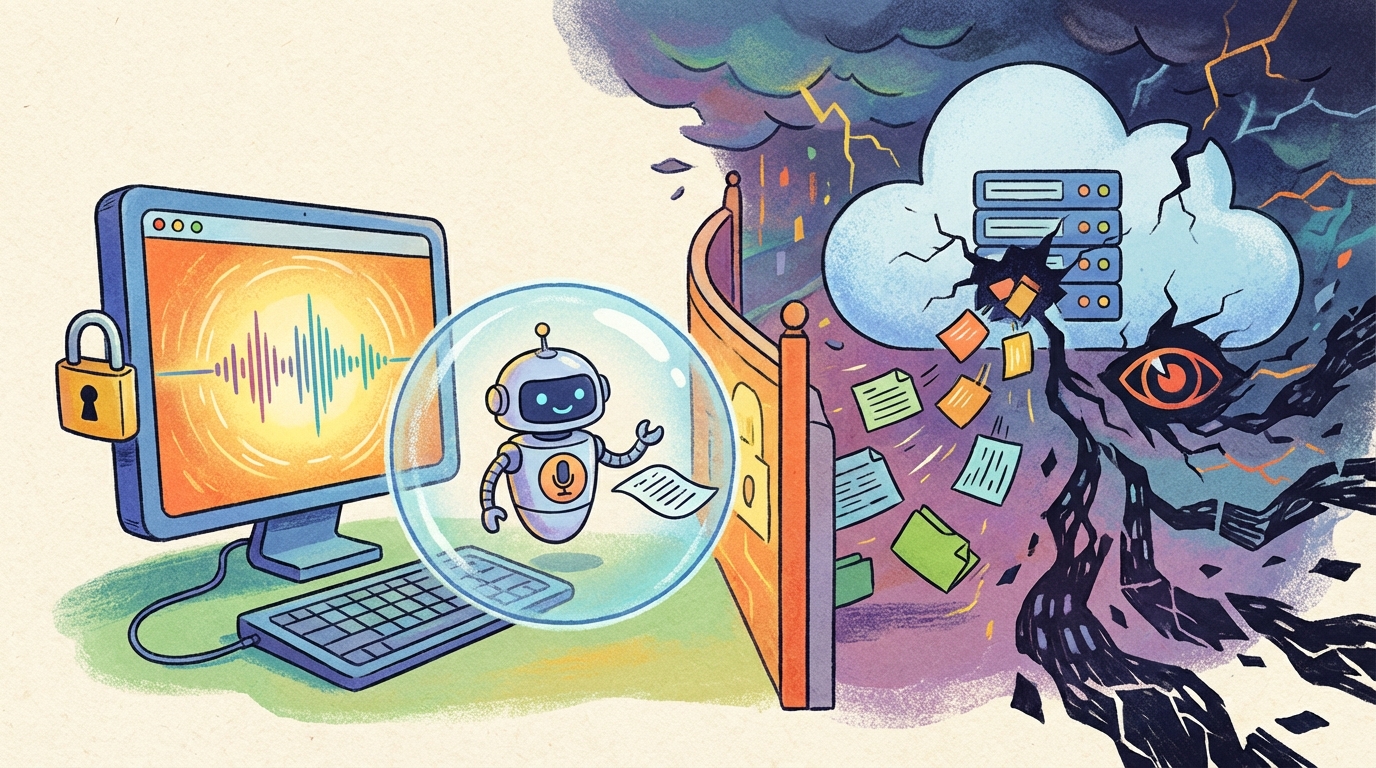
Meeting audio is some of the most sensitive material a team produces: client names, HR conversations, financial figures, product strategy that hasn't shipped. Cloud transcription uploads all of it to a vendor's servers before any text comes back, and that upload is the exact moment control over the recording is lost. It's the same gate that keeps Zoom's transcripts behind paid plans and Google Meet's behind Workspace tiers. Whatever the vendor's policies say, the audio has left the building.
Removing that step doesn't require a policy argument, just a pipeline decision. When the model runs locally, the recording lives where it always lived, on the machine that made it, and the only copy of the transcript is the one you hold. Nobody else's retention rules apply, because nobody else has a copy.
For teams bound by confidentiality, the case closes itself: lawyers with client calls, doctors with patient conversations, journalists with sources, HR with anything at all. For everyone else, the privacy gain comes bundled with the other local benefits anyway: no quota, no subscription, and no outage between you and your notes.
The Model-Size Decision
Whisper ships in sizes, and the size you pick is a trade between speed and how much proofreading you do afterwards. The tiny model, at 39 million parameters, runs almost instantly and carries a word error rate around 13 percent on English audio, which means correcting names and technical terms by hand. The large-v3 model, at 1.55 billion parameters, drops that to about 3.5 percent, close enough that clean audio needs almost no edits.
The practical pick for most people is large-v3-turbo, the distilled 809-million-parameter version that gets near the top accuracy while staying fast enough for daily use. If your work is English-only, the English-only variants such as small.en buy a little more speed and accuracy within their language. Set the dial once, because your meetings' needs rarely change week to week.
One honest note: model size doesn't fix bad audio. Crosstalk, distance and poor microphones degrade every engine, and a bigger model makes fewer mistakes on the same imperfect input rather than performing miracles on it.
Running It on Real Hardware
The DIY path is whisper.cpp, an MIT-licensed implementation that runs Whisper efficiently on consumer hardware, or one of the wrapper apps that packages it. Drop an audio file in, get a transcript out, with no account and no network. The model downloads once and works offline from then on.
The hardware reality is friendlier than most people expect. On an M2 Mac, the small model transcribes CPU-only at a real-time factor of about 0.35, meaning a 30-second clip takes about 10 seconds, and Metal GPU acceleration cuts that roughly four times further. An hour-long meeting becomes minutes of processing on a laptop you already own, with no GPU purchase required.
If you want summaries rather than just transcripts, a local language model can read the Whisper output and produce them, and the whole pipeline stays offline from microphone to summary. That pairing is what makes local transcription a workspace rather than a one-off tool. It also future-proofs the setup: swap in a better model when one ships, and the workflow around it doesn't change.
Who This Fits, and Who It Doesn't
The clear fits are the professions whose recordings carry confidentiality obligations: legal, medical, journalism, HR, and anyone whose client calls contain material they'd rather not explain to a vendor's log files. For them, the setup evening is a one-time price for a permanent property, and Shmeetings is the assembled-for-you macOS version of the same idea, an app that does the local workflow without the terminal work. If you want to see how the free tiers compare before deciding, the free transcription breakdown covers the caps in detail, and the offline meeting note taker workflow shows the local pattern applied to recurring meetings.
The honest misfits are two groups. If you transcribe one meeting a month, the cloud's free tiers are easier, and the setup time won't pay back. And if you need the very best accuracy on hard audio, crosstalk-heavy rooms, heavy accents, the strongest cloud engines still hold a small edge worth paying for in those cases. Everyone in between gets to decide based on volume, privacy needs, and tolerance for a command line.
Frequently Asked Questions
Is local transcription as accurate as cloud?
On clean audio, essentially yes: Whisper large-v3 measures around 3.5 percent word error on English, which is the same territory the cloud services occupy, and many of them run Whisper-family engines anyway. The gap appears on very noisy audio, where the strongest cloud engines still hold a small advantage.
Does local transcription need a GPU?
No. Whisper runs on a plain CPU, and on an M2 Mac the small model transcribes about three times faster than real time without any GPU. Metal acceleration makes it roughly four times faster again, so a GPU is a speed upgrade rather than a requirement.
Is Whisper really free?
The engine is MIT licensed, free to download and run with no metering of any kind. Some polished wrapper apps charge for the convenience layer, which is fair, but the underlying transcription costs nothing and never phones home.
What about languages other than English?
Whisper officially supports 99 languages, and high-resource languages transcribe in the mid-90s percent accuracy range. Low-resource languages sit noticeably lower, so test your language before committing a workflow to it. English-only model variants don't apply here, so use the multilingual models.
Can local transcription do speaker labels?
Not on its own. Whisper transcribes words without attributing them to speakers, so diarization comes from the wrapper app or a pipeline built around the model, and quality varies between implementations. If speaker labels are essential, test that part of the tool specifically, because it's the feature most likely to disappoint.