
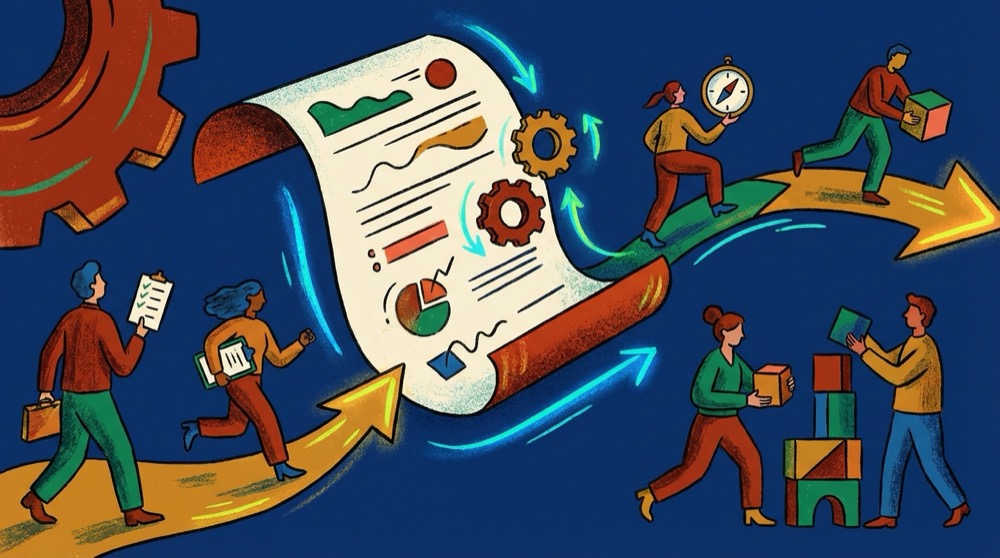
Turn Meeting Minutes Into Action Items People Actually Follow
The big issue here is that most meeting minutes get lost in the air. Someone takes notes during the meeting, shares them with the rest of the team, and nothing happens. The tasks that came up in the meeting don't get assigned, don't get tracked, and therefore don't get done.
It's a bigger deal than you might think. According to research, 44 percent of action items from meetings are never finished, and 71 percent of meetings fall flat on achieving their goals because of lack of follow-up. Multiply that by the estimated 36 to 56 million meetings happening each day in the United States, and you have a huge amount of wasted effort.
This isn't a matter of better notes. This is about making meeting minutes with action items that are specific, assigned, and tracked. And this is how you do that.
Why Classic Meeting Minutes Don't Work
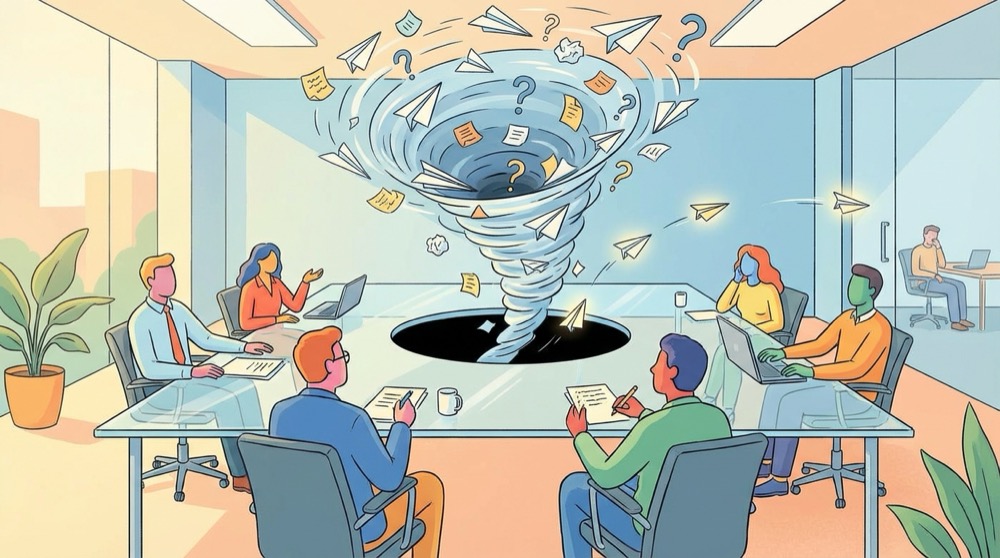
Classic meeting minutes are written like a history book. They cover what was talked about, what was said by whom, and which topics were discussed. However, they don't give the one answer anyone cares about after a meeting: who is doing what by when?
Many professionals understand this from their own experience. You leave a meeting feeling like "we agreed on our next steps," but a week later, nobody has done anything. There may be some meeting notes floating around in an email thread, but they're just a summary, not a to-do list.
Structure Is the Real Issue
The classic minute buries action items in paragraphs of discussion notes. When someone has to dig through three pages of text to locate their one task, they usually won't bother. The action item needs to be clearly seen, defined, and impossible to miss.
No One Owns the Follow-Up
Creating action items is only half the battle. There must be a follow-up mechanism to ensure even the best-written tasks are not neglected. Only 65 percent of professionals always write down meeting minutes. Of those that do, the majority rarely go back to check if the tasks assigned in the meeting were ever completed.
How to Write Action Items That Get Done

An action item is not a vague reminder such as "check into the budget." A well-written action item has four components: a specific task, the person responsible, a deadline for completion, and enough background information to allow the individual to complete the task without having to ask follow-up questions.
Use the What, Who, When Format
Each action item should answer three questions in one line:
- What needs to happen (as specifically as possible)
- Who is responsible (name of person, not name of department or group)
- When is the action item due (specific date, not "soon" or "next week")
Bad example: "Follow up on client feedback."
Good example: "Sarah will send the revised proposal to Acme Corporation by Friday, March 6th."
The difference here is clarity. The second example gives no room for interpretation regarding what constitutes successful completion.
Create a Clear Section for Action Items
Don't mix your action items into your discussion notes. Create a separate section at the beginning or end of your meeting minutes labeled "Action Items" with each action item on a new line. This allows people to quickly scan the list in ten seconds without needing to read through the entire minutes.
A simple format works like this:
- [Owner] Task description (due date)
- [Owner] Task description (due date)
- [Owner] Task description (due date)
Some teams put this section at the beginning of the document so that it is the first thing everyone sees.
Tools That Help With Meeting Minutes Action Items

You do not need to do all of this manually. Several tools are available to assist you in capturing, assigning, and tracking action items that emerge from meetings. The tool you choose will depend on the level of automation you want and your level of concern for maintaining your privacy.
Project Management Tools
If your team already uses a project management tool (such as Asana, Notion, or Linear), the easiest approach would be to create a task directly from your meeting minutes. Many project management tools let you transform a bullet point into an assigned task with a deadline with a single click.
The primary disadvantage is the manual effort required. Someone must still write out each action item and create a corresponding task individually. For teams that hold five or more meetings per day, this becomes excessive.
AI Meeting Assistants
Newly developed AI tools can now automatically detect action items from meeting transcripts. These tools listen to your meeting (or review a recording of it), recognize when someone has committed to completing a task, and extract the relevant information, including the assigned individual and deadline.
This can save a significant amount of time, but most AI meeting assistants require that your audio recordings be sent to a cloud server for processing. If your meetings involve sensitive client information, HR discussions, or confidential business strategies, that could be a serious concern. The meeting audio travels to a third-party server, is analyzed by an external AI model, and is stored in a location that you do not control.
For teams that want AI-based meeting assistance without sacrificing their confidentiality, offline meeting tools process everything locally on your computer. Tools like Shmeetings record, transcribe, and extract action items without moving any of your meeting data off of your computer. Your meeting audio remains on your local device where it belongs.
Real-Time Transcription During Meetings
Another option is to use transcription tools that create a full transcription of your meeting audio in real time. Instead of taking notes by hand, you get a full transcript and then extract the relevant action items from the transcription after the meeting.
These tools work best for teams that want a permanent record of their conversations. The transcript serves as the primary record, and you draw action items from it. Both Google Meet and Microsoft Teams support built-in transcription features, though accuracy and privacy protections vary.
A Simple Meeting Minutes Template With Action Items
You do not need a complex template to create effective meeting minutes with action items. The templates that work best are concise enough to actually encourage people to use them. Here is one that works for most teams:
Meeting: [Name/Topic] Date: [Date] Attendees: [Names]
Key Decisions:
- Decision 1
- Decision 2
Action Items:
- [Sarah] Send updated wireframes to the design team (due March 7)
- [Marcus] Set up user testing sessions for the next sprint (due March 10)
- [Priya] Review and approve the Q2 budget numbers (due March 5)
Summary:
- Short summary of key discussion points
- Any additional background information needed to complete the action items listed above
That is it. The decisions are included first because they serve as background information. The action items are included next because they are the most critical component. The summary is included last for reference purposes.
Using This Template for Recurring Meetings
For weekly meetings or other regular meetings, add a "Review Last Week's Action Items" heading at the top of your template. At the start of each meeting, go through the prior week's list and mark each one as done, in progress, or blocked. This creates accountability because each member knows that their action items will be reviewed publicly.
Common Mistakes That Kill Action Item Follow-Through

Even teams with the best of intentions frequently make errors that undermine their action items. Here are the most common ones and how to avoid them.
Assigning action items to teams instead of to individuals. "The marketing team will handle this" translates to "no one will handle this." Choose one person who will be responsible for the task and who will be held accountable for the outcome.
Providing vague deadlines. "By the end of the month" or "as soon as possible" are not deadlines. Use specific dates. If you cannot establish a date during the meeting, make the first action item "establish a deadline by [date]."
Establishing action items that are too large. "Redesign the onboarding process" is a project, not an action item. Break it down to the next tangible step: "Develop three wireframe options for the first onboarding screen by Thursday."
Including insufficient background information. The action item should be self-explanatory a week after the meeting, when the meeting is a blur. Add enough detail so the individual knows exactly what to do without needing to ask questions.
Omitting the review. If you do not regularly check whether action items were completed, team members will lose interest. Build the review into your workflow, either during the next meeting or through automated status notifications.
How to Follow Up Without Micromanaging
Writing high-quality action items provides no benefit if no one follows up on them. But constantly reminding team members to complete their tasks turns managers into babysitters. The goal is a system that creates accountability without requiring constant reminders.
Send meeting minutes with action items within 24 hours of the meeting. Studies on meeting efficiency have repeatedly shown that follow-up speed has a direct relationship to task completion rates. When action items are received while the meeting is still fresh, people are significantly more likely to act on them.
Use your project management tool or calendar to set automatic reminders for each deadline. If you use an AI meeting assistant, many of them can automatically generate calendar events from the action items they detect. And the most consistent follow-up method is the simplest: review the prior meeting's action items at the start of the next meeting. This takes two minutes and establishes a natural accountability cycle.
Frequently Asked Questions

What is the difference between meeting minutes and action items?
Meeting minutes are a record of the meeting's proceedings, including discussions, decisions, and topics addressed. Action items are specific tasks assigned to an individual with a deadline. Good meeting minutes contain both: a summary of the discussion and a clear listing of the action items generated from it.
How many action items should result from a typical meeting?
A productive 30-minute meeting should yield 3 to 5 action items. If you are producing seven or more, the tasks are either too detailed or the meeting is covering too many topics. If you produce zero, consider whether the meeting had any purpose.
Should I use a template or just take free-form notes?
Use a template. Free-form notes lead to inconsistent formatting, buried action items, and missed tasks. A template doesn't have to be extensive. Even a simple format with sections for decisions, action items, and notes will greatly enhance follow-through.
How do I handle action items when the owner is not in the meeting?
Assign the responsibility to someone who attended the meeting and have them communicate the assignment to the actual owner. Include the communication step as part of the action item: "James informs Sarah of the API change and confirms she can update the documentation by Friday."
Can AI tools really detect action items automatically?
Yes. Modern AI meeting assistants evaluate conversation patterns and language cues to identify commitments, assignments, and deadlines. Accuracy varies by tool, but the best ones catch approximately 80 to 90 percent of action items. The main consideration is privacy, since most tools process your audio in the cloud. Offline alternatives exist for teams that need to keep their meeting data private.
What is the best way to track action items across multiple meetings?
Use a single tracking system rather than scattering action items across separate meeting notes documents. A project management tool, shared spreadsheet, or dedicated meeting management app all work. The key is that everyone on the team knows where to find their current action items without searching through old meeting minutes.