Sales Call Recording Software That Keeps Your Deals Private
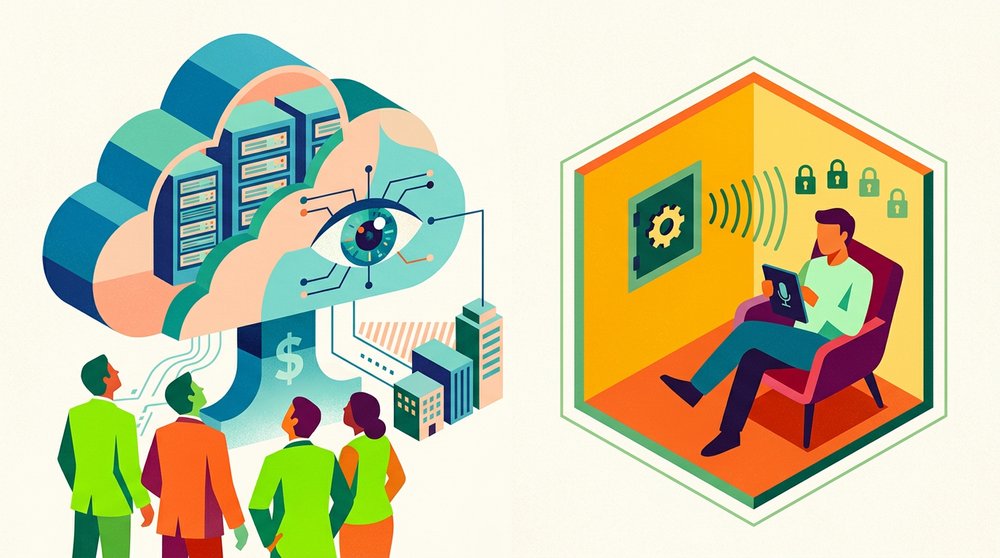
Sales call recording software splits into two shapes: cloud revenue-intelligence platforms that analyze everything, and local tools that record without a third party in the data path. Both are legitimate, and the real choice is about who holds your deal conversations, not which has more features. This guide covers what the platforms do with the audio, the consent rules that govern any recording, and where the local route fits.
What the Cloud Revenue Platforms Actually Do
Revenue-intelligence platforms record, transcribe and analyze sales calls, then roll the call signals into deal dashboards, at-risk flags and forecasting views. The analytics are genuinely valuable: managers see why deals win or fail from the calls themselves rather than from rep notes, and patterns across dozens of conversations surface in a way no pipeline review replicates. That value is real, and so is what it costs in control.
The retention default is the number worth knowing: Gong's standard retention for customer content is the lesser of three years or the customer's subscription period, which means a recording a rep forgot about can outlive the deal by years. Pricing talks and competitor mentions sit on the vendor's servers for that whole window unless someone changes the settings.
Redaction helps but doesn't close the question. Gong offers numeric and PHI redaction that replaces digit sequences in transcripts and mutes the corresponding audio, and its own compliance guidance says redaction does not guarantee regulated information never gets captured, recommending that legal decides whether recording those calls is appropriate at all. When the vendor itself says "ask your lawyers," that's the honest ceiling of the platform's privacy story.
The Consent Rules That Come With Recording
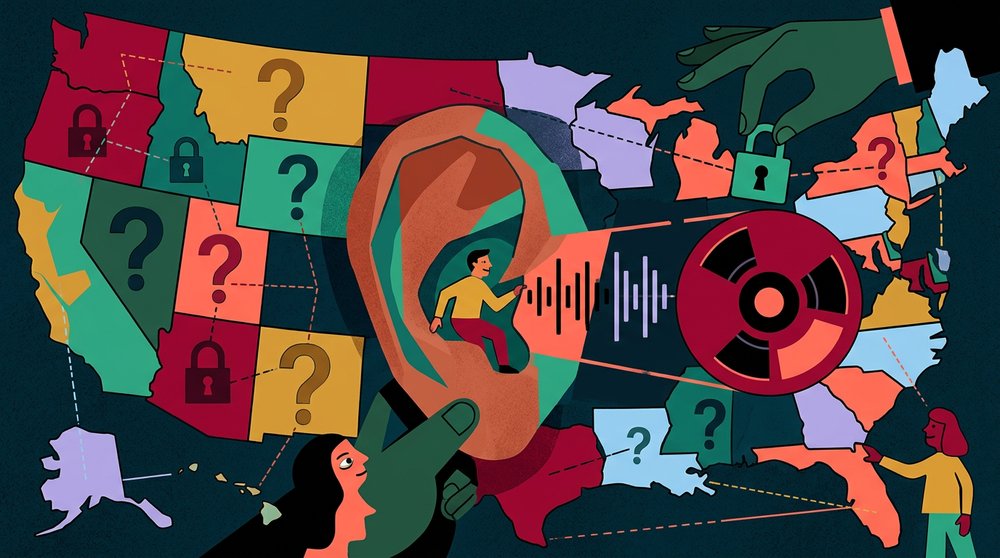
Thirteen US states require all-party consent before a sales call is recorded, including California, Florida, Illinois, Massachusetts and Pennsylvania, per state-by-state guides. In those states, every person on the line must agree before the recording starts, and a silent record button isn't compliance no matter how routine the call is.
Calls cross state lines, which is where most sales teams get caught: the rule is that the strictest law among everyone on the call applies, so a rep sitting in a one-party state calling into Massachusetts still needs the prospect's consent. Geography-based dialers exist that auto-record in one-party states and hold back in all-party ones, per compliance guides, and they remove the memorization burden. The spoken consent line at the start of the call remains the practice that keeps any tool defensible.
The consequences of skipping this are not hypothetical: undisclosed recording in an all-party state is a legal violation, not a faux pas, and the fix costs five seconds at the top of every call.
What Local Recording Changes for a Sales Rep
Local capture records the conversation on the rep's own machine, so the audio and the transcript never touch a vendor's server and no retention clock runs unless you set one. For sensitive deals, regulated industries, or negotiations where a competitor mention leaking would be expensive, that difference decides the choice by itself. A macOS tool like Shmeetings captures system audio and transcribes it locally, so the deal conversation stays on the hardware that made it.
The tradeoff is the analytics. There's no shared team library by default, no dashboard flagging at-risk deals from call sentiment, and no manager dropping into a recording to coach a tough objection. Sharing with the team is a manual step, which some reps will experience as freedom and others as friction. The offline meeting note taker guide covers the workflow pattern, and the local transcription guide covers the engine underneath it.
You also become the retention policy: files stay until you delete them, which cuts both ways. Set a folder convention and a cleanup reminder, or the local drive becomes its own long-memory archive.
Choosing Between Cloud and Local
The choice is a data-path decision, not a feature comparison. Cloud platforms put every recording in a central hub where the whole office can learn from it, which is the point, and also means pricing strategy and competitor mentions live where access controls decide who sees them. Local capture keeps the conversation on the rep's machine, which protects the sensitive end of the funnel and gives up the automated insight layer.
Most real teams land hybrid: cloud platforms for the bulk of discovery and coaching, local capture for final negotiations and the deals where the margins or the content are sensitive. The split costs little and matches where the risk actually lives. If your team records everything everywhere by default, the question to ask is which calls genuinely need to be in the shared library, because the answer is usually fewer than the platform's default.
Platform built-ins are part of the picture too, and they carry their own clocks: Teams recordings expire on the admin's schedule, and each platform's retention differs, so the tool your team already pays for deserves the same retention scrutiny as any vendor.
Getting Started With Local Recording

Install the desktop client, grant audio access, and confirm it captures system audio rather than expecting a bot to join. Write the consent script once and use it on every call, because thirteen states require all-party consent and the script is what makes the habit survive a busy week.
After the call, file the transcript against the deal in your CRM while the context is fresh, so the notes land where the next rep or your future self will look. The capture is the easy part, and the filing habit is what makes local recording useful rather than just private.
Frequently Asked Questions
Is recording sales calls legal?
Yes, with consent. Most US states require one party to consent, but 13 states require everyone on the call to agree, and when a call crosses state lines the strictest applicable law governs. The spoken consent line at the start of the call is the standard practice that keeps any recording defensible.
Does Gong store recordings?
Yes. Gong's standard retention keeps customer content for the lesser of three years or the subscription period, per its own documentation. Redaction features can mask numbers and health information in transcripts and mute the audio, and Gong itself recommends involving legal on whether regulated calls should be recorded at all.
Can I record a sales call without telling the prospect?
Not in the 13 all-party consent states, and not reliably anywhere, because calls cross state lines and the strictest law applies. Tell the prospect, get a verbal yes, and record. The ask is five seconds, and undisclosed recording in the wrong state is a legal violation.
What is the best local option for recording sales calls?
A desktop app that captures system audio and transcribes on the machine, so no third party enters the data path. On macOS, Shmeetings does this with live transcription of the call and drag-and-drop for recorded files. The right local tool is the one that produces the transcript where the conversation happened and stores it where you decide.
How long do platforms keep call recordings?
It varies sharply by platform, and defaults are usually longer than teams expect: Gong's standard is up to three years, other platforms range from weeks to years, and platform built-ins like Teams expire on an admin's schedule. Check your vendor's retention setting deliberately, because the default was chosen for their data model, not your compliance posture.